Photoshop Projects
Looking for Photoshop projects for school or self-study? Boost your creative skills with our list of beginner-friendly exercises, from background removal to branding mockups. Perfect for students wanting to learn fast!


Photoshop Projects for Beginners and Students
What is Photoshop? Adobe Photoshop is a powerful tool for editing photos and creating designs. The best way to learn it is by doing small simple Photoshop projects. This helps you understand tools faster and build real skills step by step.
If you don't have an active Photoshop subscription, you can still practice these projects, using one of these free Photoshop alternatives online such as Photopea, Pixlr or Mockofun.
Photoshop can feel hard at first, but it doesn’t have to be. For students, it’s a very useful tool for school work, creative projects, or future jobs. The key is to start small and focus on simple tasks that build confidence.
This guide shares easy ways to begin, with ideas and tips that make learning fun and useful. With the right approach, anyone can turn basic skills into great-looking images.
Why Students Combine Creative Tools with Academic Support Today
Students juggle heavy workloads, deadlines, and often jobs. Creative tools like Photoshop help them build useful skills in design and visual communication, especially for presentations. There are many study apps for students that cover a wide array of fields not only graphic design.
Many use online writing services to handle complex or time-consuming tasks. This supports learning rather than replacing it, freeing up time to focus on practical abilities like learning Photoshop. The time management for students is really important for learning support especially when dealing with multiple projects.
Photoshop Projects for Beginners
Below you have a list with Photoshop projects ideas for beginners with easy lessons that are focused on learning skills. I also added a list with Photoshop projects for high school students that is focused more on practical skills.
Photoshop Project 1: Basic Photo Editing
Edit a simple photo to make it cleaner and brighter. You can use this for personal photos, school work, or posting online. Beginner Photoshop projects are useful for learning the main tools and features.
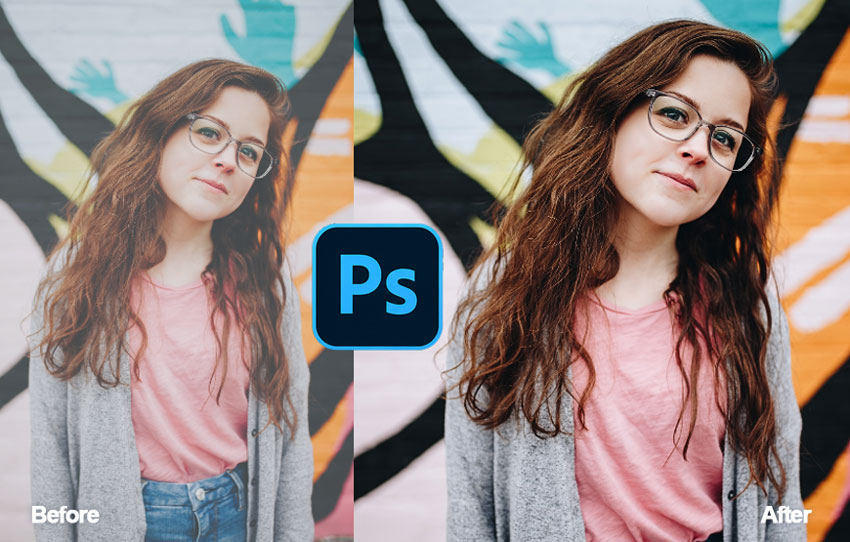
Time: 10–15 minutes | Level: Easy | Skills: Cropping, brightness, contrast
Photoshop Project 2: Social Media Post Design
Create a post for platforms like Instagram or Facebook. Useful for sharing ideas, quotes, or announcements. These easy project ideas for Photoshop help you learn how to use text, shapes and photos together to make a simple design.
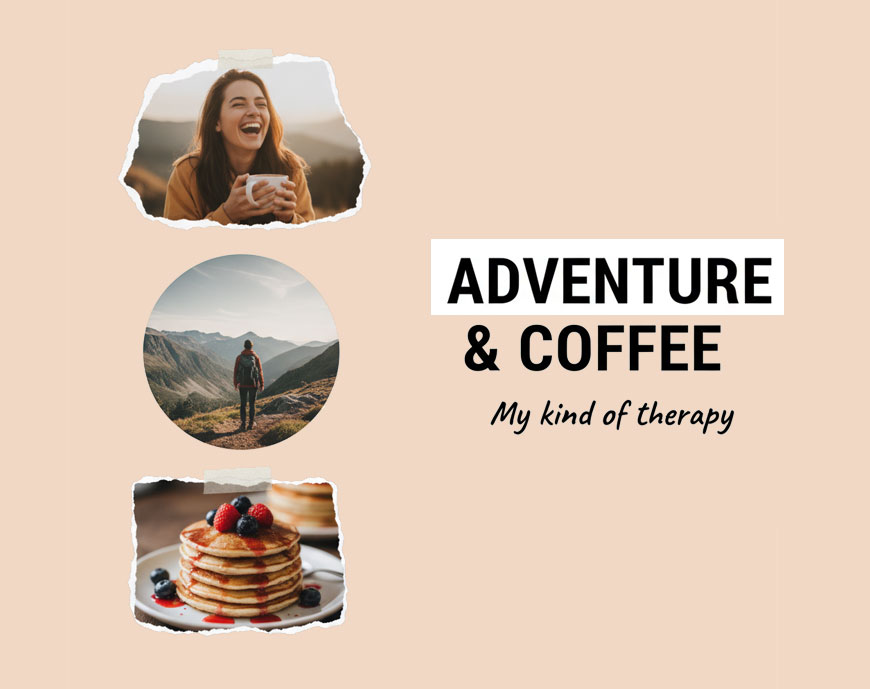
Time: 20–30 minutes | Level: Easy | Skills: Text, images, layout
Photoshop Project 3: Background Removal
Remove and change the background of a photo. Good for profile pictures, product images, or creative edits. This is a must on a Photoshop beginner projects list. You learn how to use the Selection tools, the Brush Tool and how to work with masking. It's true that nowadays the remove background is done automaticaly with AI. For fast results, use this remove white background Photoshop action that is good mainly for logos and illustrations.
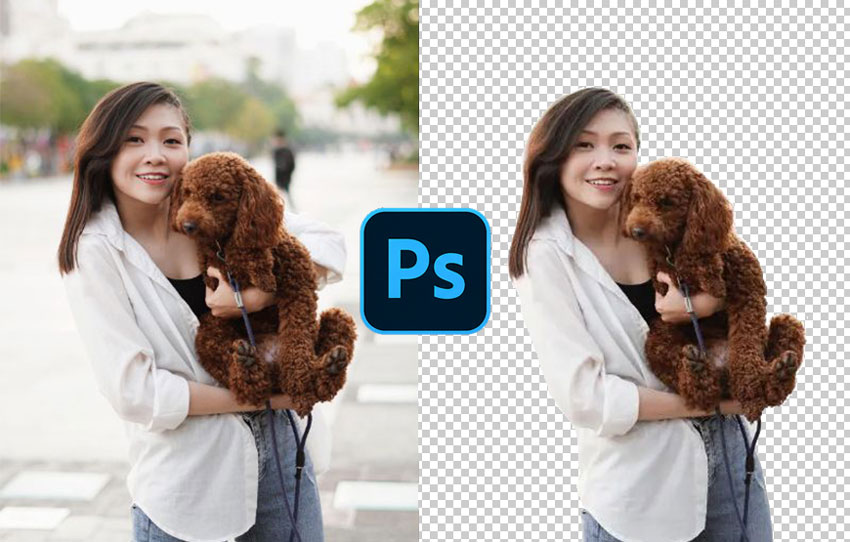
Time: 15–25 minutes | Level: Easy | Skills: Selection tools, masking
Photoshop Project 4: Add Text to Images
Add titles or short messages to images. Useful for posters, posts, or presentations. If you want easy Photoshop projects, adding text over images is one of my favorite choices. You learn not only how to work with the text but also with font combinations, text effects and so on.
Time: 10–20 minutes | Level: Easy | Skills: Fonts, alignment, text effects, blending modes
Photoshop Project 5: Color Correction
Improve photo colors to make them look natural or creative. Great for photography and online content.
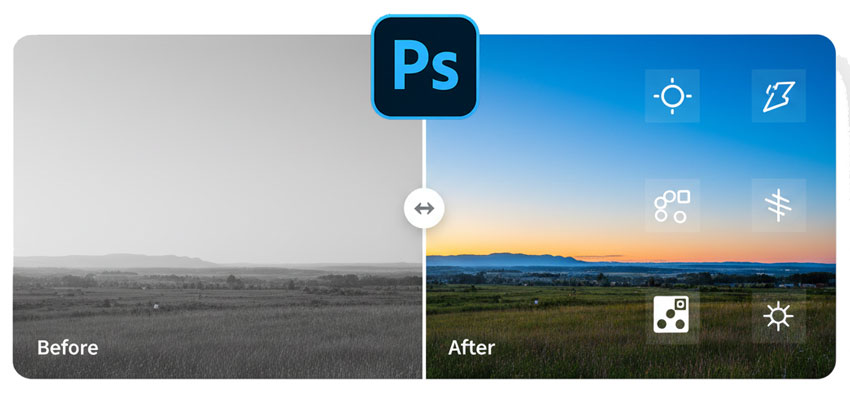
Time: 15–20 minutes | Level: Easy | Skills: Color balance, Filters, Gradients
Photoshop Projects for Students
Sudents and teachers are always searching for stuff to do on Photoshop for different classroom projects. Below you have a list with basic things you can do in Photoshop with focus on learning skills rather than extreme creativity.
If you are looking for cool things to do in Photoshop, check out my Photoshop ideas generator.
Photoshop Project 1: Poster or Flyer Design
Design a poster for a school event or project. Helps you organize text and images clearly. Photoshop is great for designing a poster for an event but you can do the design in other tools too. Popular Photoshop assignments usually include creating a poster or flyer for events like: concerts, festivals, workshops, conferences, seminars, webinars, exhibitions, art shows, gallery openings, theater performances, movie screenings, product launches, grand openings, sales events, charity events, fundraisers, networking events, meetups, competitions, sports events, tournaments, parties, club nights, fashion shows, food festivals, cultural events, community events, school events, university events, career fairs, job fairs, hackathons, book launches, signings.
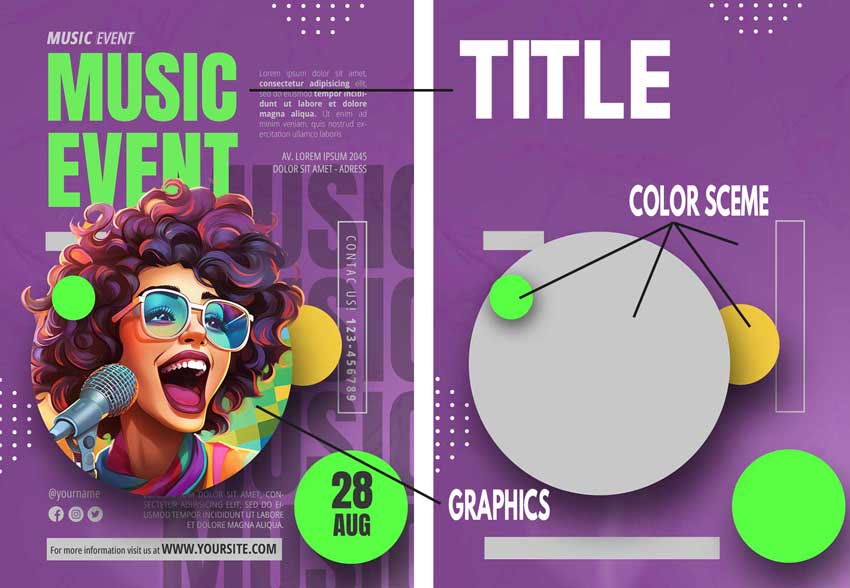
Students can also make posters for holidays like: New Year’s, Valentine’s Day, Easter, Halloween, Christmas, Thanksgiving, Black Friday, Cyber Monday, Independence Day, National Day, Labor Day, Mother’s Day, Father’s Day, Women’s Day, Children’s Day, Earth Day, Pride Month, Ramadan, Eid al-Fitr, Eid al-Adha, Diwali, Hanukkah, Lunar New Year, Oktoberfest, St. Patrick’s Day, Back to School, Spring Break, Summer Holidays, Winter Holidays.
Time: 30–60 minutes | Level: Medium | Skills: Layout, composition
Photoshop Project 2: Photo Manipulation
Combine images to create a new scene. Useful for creative projects and digital art. The Photoshop's generative fill powered by AI is great for making photo manipulations.
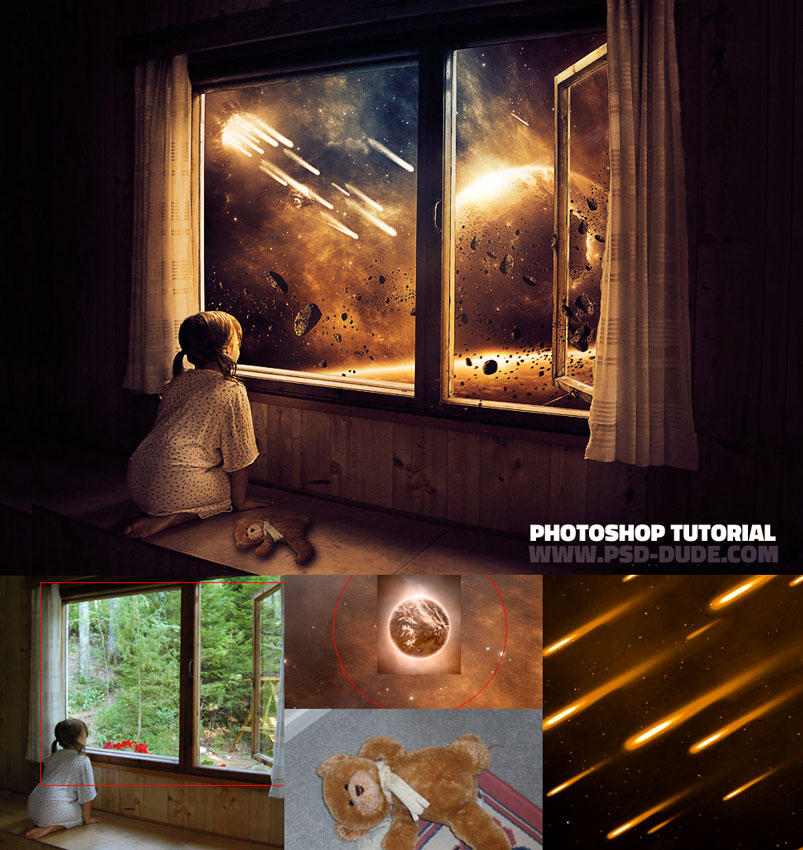
Time: 45–90 minutes | Level: Medium | Skills: Layers, blending
Photoshop Project 3: Double Exposure Effect
Blend two images for creating an artistic double exposure effect. Often used in posters and portfolio work. Check out these awesome double exposure tutorials.
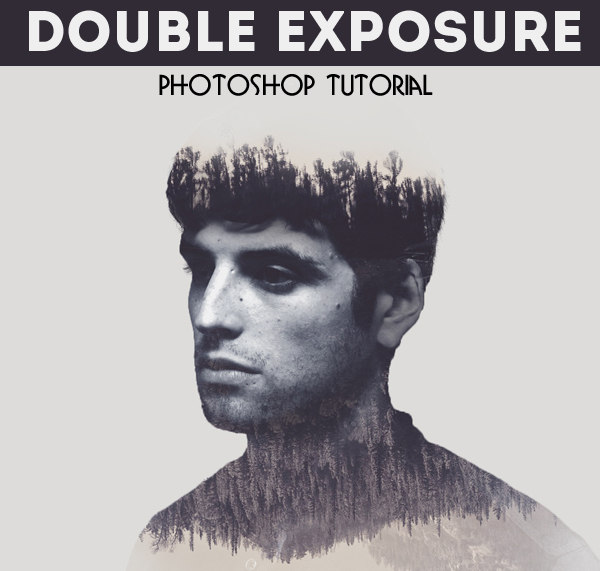
Time: 30–60 minutes | Level: Medium | Skills: Blending modes, masking
Photoshop Project 4: Branding Mockup
Place a logo on items like T-shirts or cups. Useful for presenting design ideas. Create the mockup from scratch as a good Photoshop exercise or use a t-shirt mockup psd or an embroidery cap mockup for fast results.
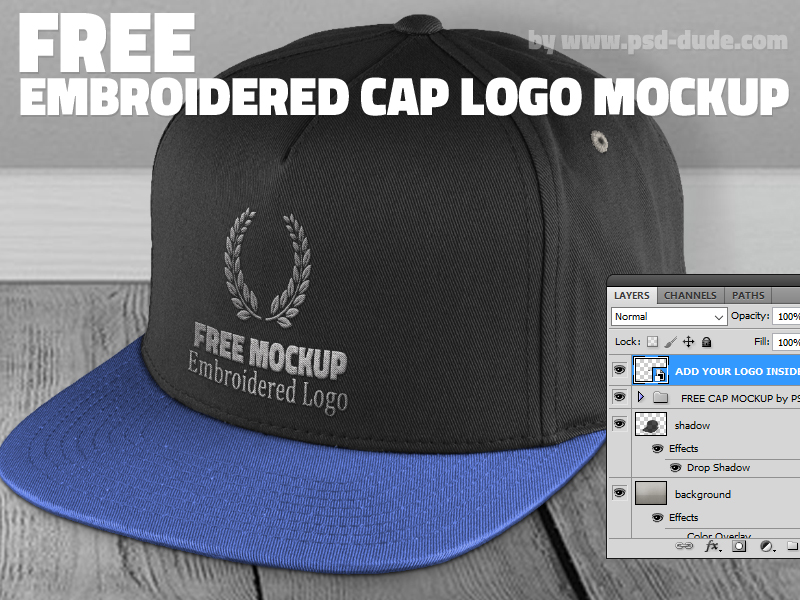
Time: 30–50 minutes | Level: Medium | Skills: Smart objects, Displace Filter
Photoshop Project 5: Creative Typography
Create designs focused on text. Good for quotes, posters, and social media content. Text is also great for making text logos. Learn how to combine letters and create logos with text from my article.
A graphic text can take all kinds of forms and effects. Add text styles and combine them with different shapes to create cool logos. Combine typography and photos to make eye-catching posters.
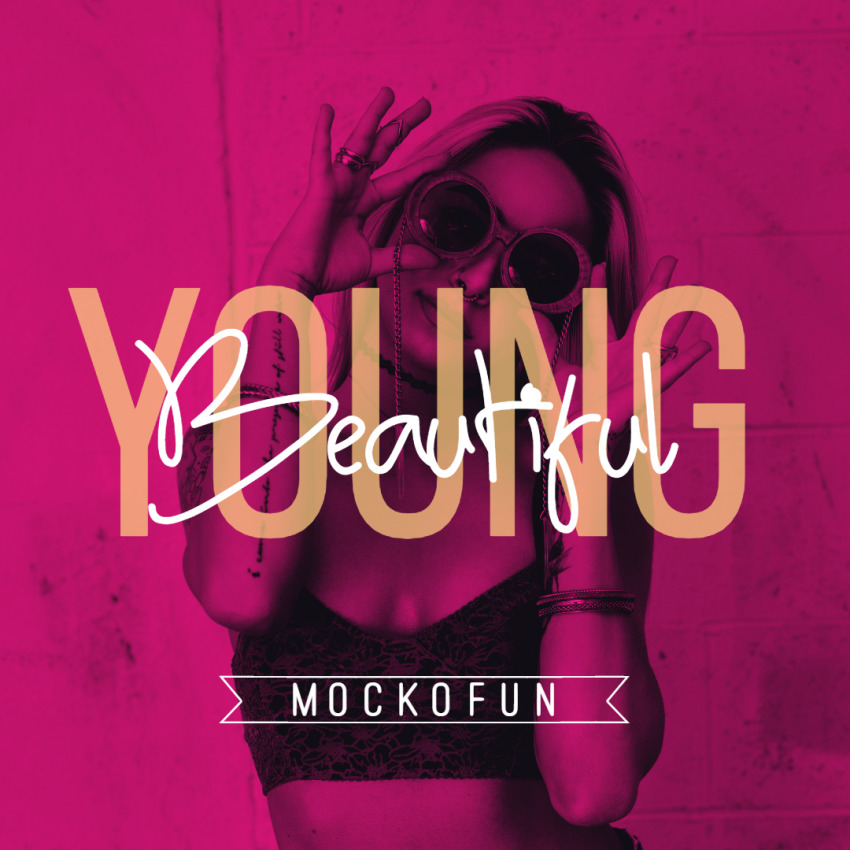
Time: 30–60 minutes | Level: Medium | Skills: Text effects, spacing
Tips for Beginners
These Photoshop projects for practice are great especially for beginners. To learn efficiently, follow these simple rules:
- Start with simple projects
- Practice regularly
- Use layers and keep them organized
- Learn the basic tools, filters, adjustments
- Learn and use shortcuts to speed-up your work
Conclusion
Small projects help you learn Photoshop faster. Keep practicing and try new ideas. Over time, you will build skills and create better designs. Check out my complete list of student project ideas that you can try today.
If you are interested in how long does it take to learn Photoshop check out my article.
Promotional Materials Examples
Templates for Magazine Cover
No comment(s) for "Photoshop Projects"