What Are Icons
What are icons? Learn how these visual symbols improve UI design, explore icon types, styles, and formats (SVG vs. PNG), and discover best design practices.


Open an app or visit a website, and icons are usually among the first elements you notice. A magnifying glass points toward search, a shopping cart leads to purchases, and a small house often returns you to the homepage. These compact graphics help people understand an interface without reading every word.
For designers, icons bring together visual communication, usability, and brand personality.
I make my custom icon designs in Inkscape, Photoshop or other online Photoshop alternatives. Then I use Convertio’s icon converter to transform my PNG images into ICO files when my project requires that format. When thoughtfully designed and placed, icons guide decisions, organize information, and make digital experiences easier to navigate.
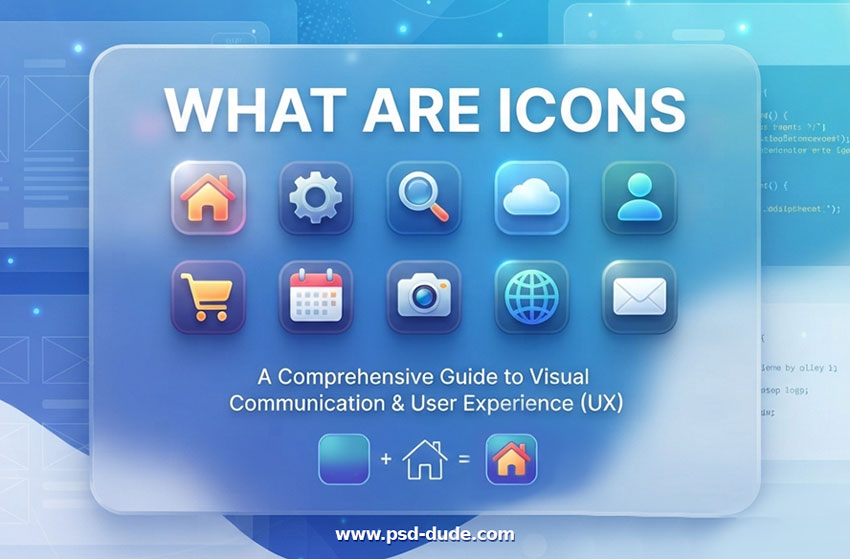
What Are Icons?
Icons are small visual symbols that represent objects, actions, or ideas. They help people understand information and use websites, apps, and software more easily.
For example, a magnifying glass represents search, a house represents home, and a shopping cart represents shopping.
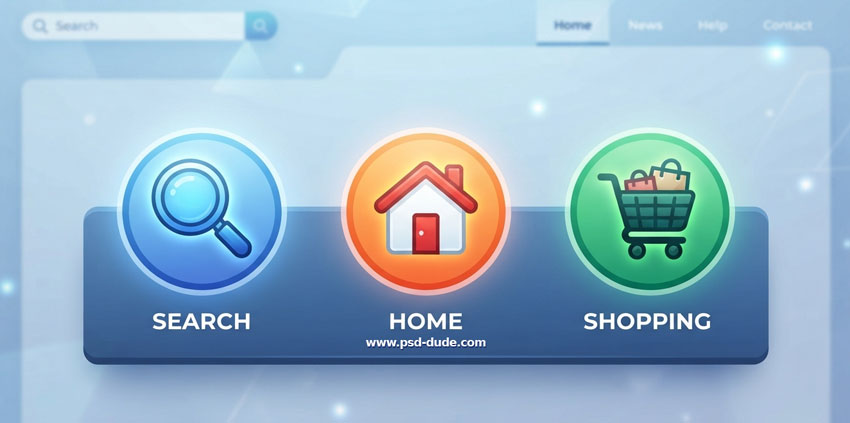
Unlike detailed illustrations, icons must communicate within a small area. Their shapes need to remain recognizable when displayed beside text, inside buttons, or within crowded menus.
The icon itself is fundamentally a graphic symbol, and it can have either a transparent or a solid background depending on how it is designed and used. In its purest form, the icon is just the vector artwork or shape itself, which has no built-in background or text. Icons often have colored backgrounds (like squares, circles, or squircles) in specific contexts like app launchers, UI buttons, etc.
What Are Icons Used For?
Icons help users recognize features and understand what they can do. Common uses include:
- Navigation: Help users move between pages or sections.
- Actions: Represent actions such as search, download, edit, or delete.
- Communication: Share information through familiar visual symbols.
- Status and alerts: Show notifications, warnings, or success messages.
- Branding: Help identify apps, products, or services.
Types of Icons
Icons are generally categorized by their purpose/function, design style, or file format.
1. Types of Icons (By Function)
- Navigation icons: Home, menu, back, and arrows.
- Action icons: Search, edit, save, and delete.
- Social media icons: Facebook, Instagram, LinkedIn, and other social platforms.
- Status icons: Checkmarks, warning signs, and loading indicators.
- Communication icons: Email, phone, message, and chat.
- File icons: Documents, folders, images, and downloads.
- App icons: Images that identify apps on phones, computers, and app stores.
- Decorative icons: Symbols used to support content or improve visual design.
2. Icon Styles (By Visual Aesthetic)
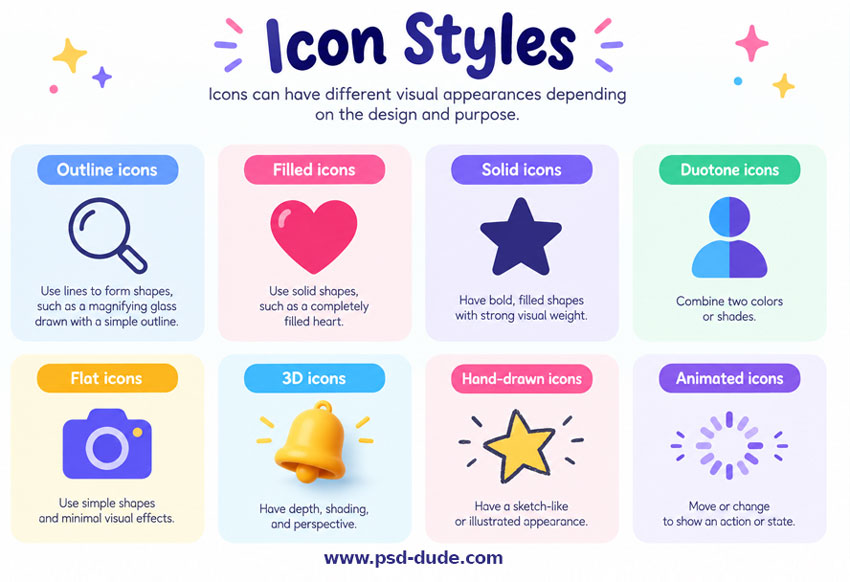
Icons can have different visual appearances depending on the design and purpose.
- Outline icons: Use lines to form shapes, such as a magnifying glass drawn with a simple outline.
- Filled icons: Use solid shapes, such as a completely filled heart.
- Solid icons: Use bold, filled shapes with strong visual weight.
- Duotone icons: Combine two colors or shades.
- Flat icons: Use simple shapes and minimal visual effects.
- 3D icons: Use depth, shading, and perspective.
- Hand-drawn icons: Have a sketch-like or illustrated appearance.
- Animated icons: Move or change to show an action or state.
3. Icon Categories by Background Container
Icons can be classified by their shape and design. The main types include:
- Transparent Icons: Icons with transparent backgrounds that blend into any design. Examples: heart, star, and arrow icons in PNG format.
- Circle Icons: Round-shaped icons used for profiles and notifications. Common Applications: They are the standard choice for user avatars, social media share buttons, and floating action buttons (FABs) in mobile applications.
- Square Icons: Icons with four equal sides, used for apps and buttons. Common Applications: Widely used in desktop folder systems, classic Windows tiles, complex dashboard grids, and document file-type indicators. .
- Rounded Square & Squircle Icons: Rounded squares offer a balance by maintaining the layout grid of a square while softening the edges. Common Applications: The native standard for mobile applications, notably used for Apple iOS and Android app icons on your smartphone home screen.
4. Icon Formats (By Technical Structure)
- SVG icons: Vector icons that scale without losing quality. Commonly used on websites and in apps.
- PNG icons: Image files that support transparency but can lose sharpness when enlarged.
- Icon fonts: Fonts that display symbols instead of letters.
- CSS icons: Icons created with CSS shapes or styling.
Where Can Icons Be Used?
Icons are used across digital products and other types of visual communication.
- Websites: Navigation menus, search buttons, shopping carts, and social links.
- Web apps: Dashboards, settings, tools, and notifications.
- Mobile apps: Navigation bars, action buttons, and app launchers.
- Desktop software: Toolbars, menus, files, and settings.
- Presentations and documents: Visual explanations, labels, and diagrams.
- Marketing materials: Infographics, advertisements, and social media graphics.
For example, an online store might use a shopping cart icon for purchases, a heart icon for favorites, and a user icon for customer accounts.
What Makes a Good Icon?
A good icon should be:
- Simple: Easy to recognize without unnecessary details.
- Clear: Communicates its intended meaning.
- Consistent: Matches the style of other icons in the interface.
- Scalable: Remains clear at different sizes.
- Accessible: Has sufficient contrast and an accessible name when interactive.
- Recognizable: Uses a clear silhouette and essential details to communicate meaning.
- Readable: Stays clear at small sizes, with balanced spacing and stroke thickness.
- Unified: Uses consistent line weight, proportions, and corner styles across the icon set.
- Intuitive: Uses familiar symbols consistently to help users understand actions.
When an icon's meaning is unclear, add a text label. For example, a pencil icon is easier to understand when paired with the word “Edit.”
How Icons Make Navigation Easier
People often scan interfaces before deciding where to click. Icons provide visual landmarks that help them locate features quickly, especially when the same symbols appear consistently throughout a product.
Consider an online store. A cart icon gives shoppers a recognizable destination for reviewing their purchases. Beside a product, a heart may suggest adding that item to a wishlist. These cues can make a busy page easier to explore.
However, familiarity depends on context. A heart could also mean liking a post or following a creator. Pairing potentially ambiguous icons with short labels helps users understand the intended action before they select it.
Icon Design Software
- Vector apps: Illustrator & Inkscape
- Online graphic design software: Canva & Mockofun
- Online icon makers: PSDDude icon generator
- AI Icon Maker tools
Frequently Asked Questions
What is the difference between an icon and a logo?
An icon usually represents an action, object, or idea. A logo identifies a brand, company, or product.
What is the difference between an app icon and a UI icon?
An app icon identifies an application on a device or in an app store. A UI icon appears inside an application to represent actions, navigation, or information.
Which icon style is best for websites?
Outline and filled icons are common choices for websites. The best style depends on the design, readability, and consistency of the interface.
What is the best format for website icons?
SVG is often a good choice because it scales cleanly across different screen sizes. PNG can be useful for raster images and artwork.
Conclusion
Icons make websites, apps, and software easier to navigate and understand. They can be categorized by use, design style, and file format. Choosing simple, recognizable, and consistent icons helps create a better user experience.
Claude Cowork
No comment(s) for "What Are Icons"