Best File Formats For Printing
Discover the best file types for printing in the USA, UK, Canada, and worldwide! Learn why PDF, TIFF, EPS, AI, PSD, PNG, and JPG matter for professional print quality, high-resolution photos, and scalable vector graphics. Optimize your prints with CMYK, 300 DPI, and print-ready formats today.


Did you ever wonder what is the best file type for printing? Here is a list with the best file formats for printing and the main differences between them.
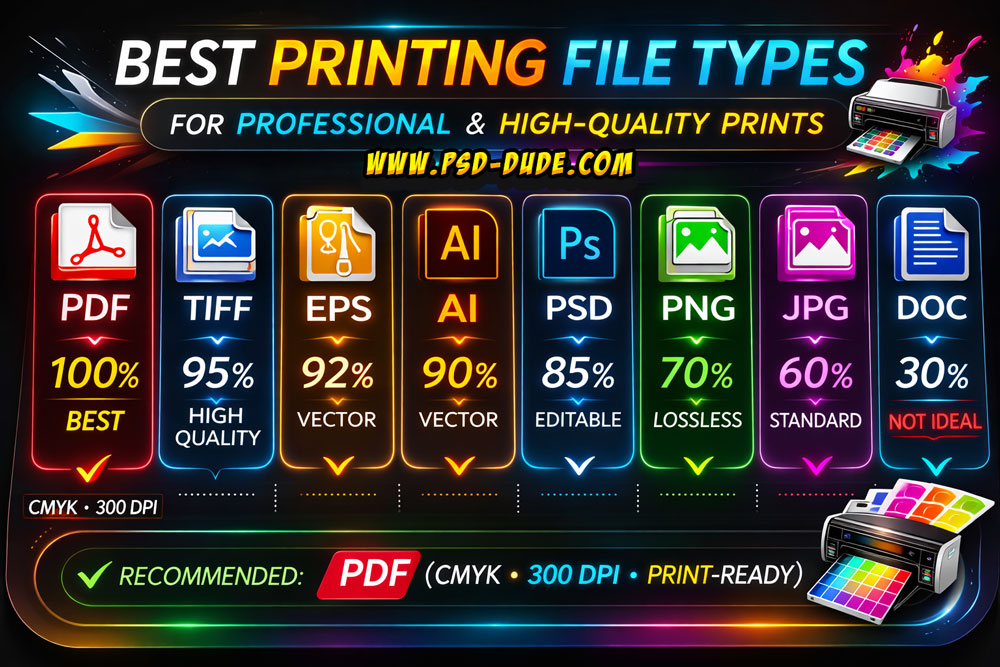
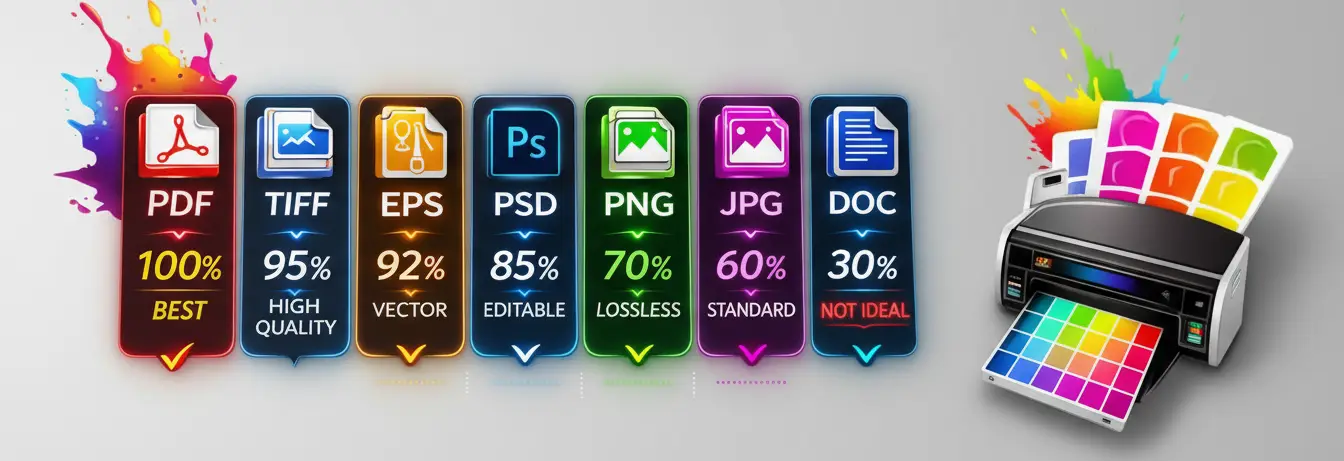
🏆 1. PDF — 100% (Best Overall)
A print-ready format that preserves layout, fonts, vectors, and images exactly as designed, making it the most reliable choice for professional printing.
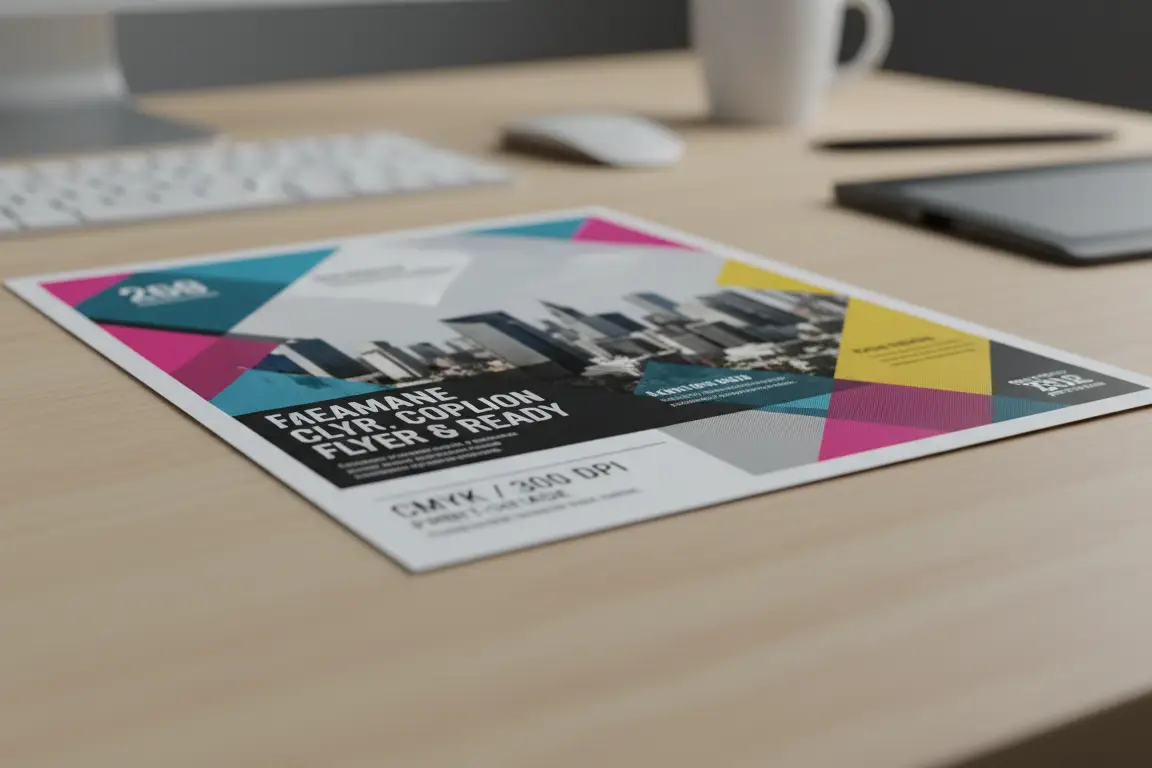
- Industry standard for professional printing
- Preserves fonts, vectors, images, and layout
- Supports CMYK and high resolution
- Works for almost all print types (flyers, books, posters, packaging)
- Best choice for: Almost everything
Creating a print-ready PDF requires proper formatting and optimization, including correct page size, high-resolution images, embedded fonts, and clean layout. Reviewing text, images, and page order ensures accuracy, while finalizing and previewing the file helps guarantee high-quality printing without errors.
Browser-based tools such as PDFAid make these adjustments easier to manage in one place. Users can convert files to PDF, merge multiple pages into a single document, compress large files, or make quick edits without installing additional software. Having these functions available in a single online workspace helps streamline the preparation process while maintaining the layout accuracy and consistency required for professional printing.
🥈 2. TIFF — 95%
A high-resolution raster image format that maintains maximum detail and quality without compression loss.
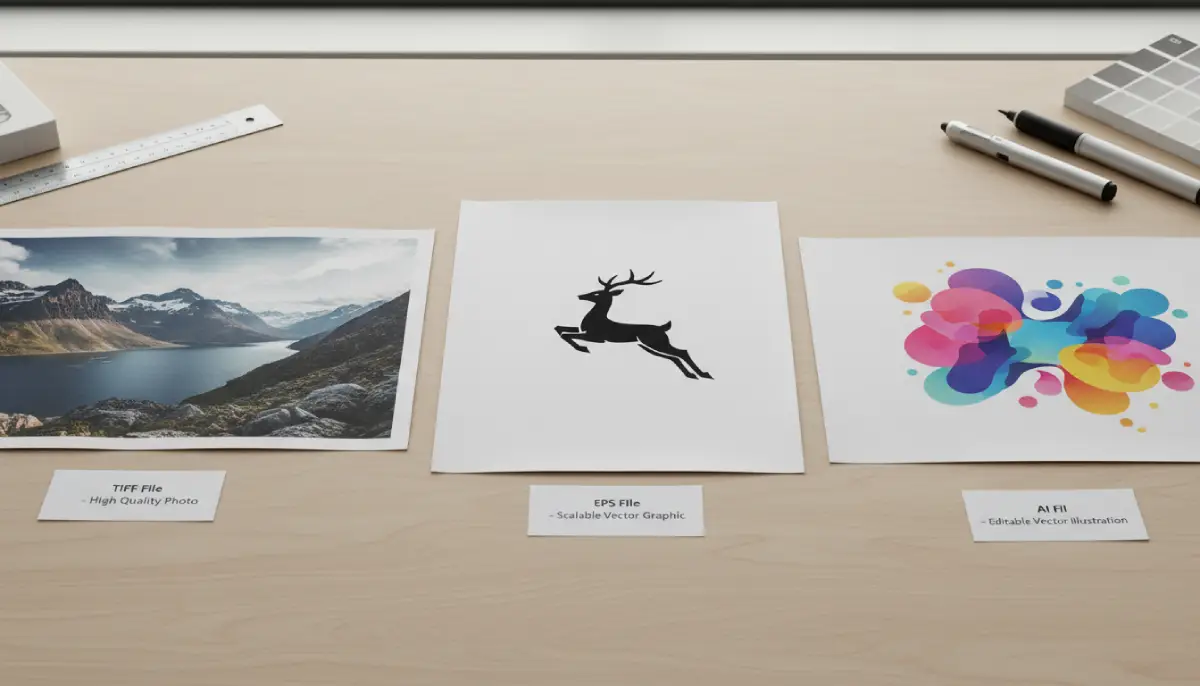
- High-quality raster format
- Lossless (no quality loss)
- Excellent for high-resolution photos
- Best for: Photo printing, large images
🥉 3. EPS — 92%
A scalable vector format ideal for sharp graphics and designs that need resizing without losing clarity.
Is EPS good for printing? Yes, EPS (Encapsulated PostScript) is excellent for printing, particularly for professional, high-resolution, and large-scale projects like billboards, banners, and marketing materials. As a vector format, EPS allows images to be scaled to any size without losing quality, ensuring sharp, crisp graphics.
EPS vs PDF for printing
PDF is generally superior for modern, high-quality printing, offering better support for transparency, color management, and smaller file sizes, making it the industry standard. EPS is an older vector format, often used for vector logos or by older equipment, but lacks modern transparency support. For most, PDF is preferred, while EPS remains a fallback. EPS is excellent for scaling logos, illustrations, and vector graphics without losing quality, but it often struggles with modern transparency, shadows, or gradients.
- Vector-based format
- Scales without losing quality
- Common for logos and illustrations
- Best for: Logos, vector artwork
4. AI — 90%
The native Adobe Illustrator file format used for creating and editing fully scalable vector graphics before final export.
- Native Adobe Illustrator file
- Fully editable vector format
- Excellent quality when exported properly
- Best for: Professional design files before export
5. PSD — 85%
A layered Adobe Photoshop file format suitable for editing and design adjustments prior to exporting a print-ready file.
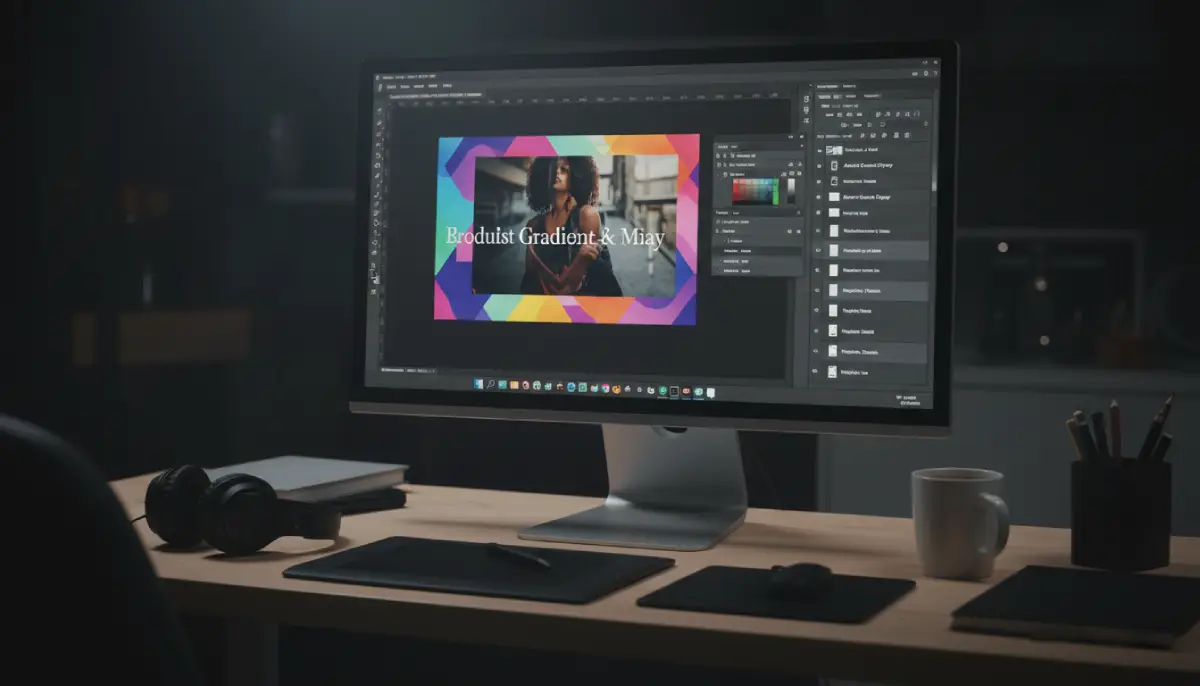
- Adobe Photoshop file
- Good quality but layered and not always printer-ready
- Needs proper export
- Best for: Editing before final export
6. PNG — 70%
A lossless digital image format best suited for screen use and light printing, but not ideal for professional CMYK workflows.
PNG vs PDF for Printing
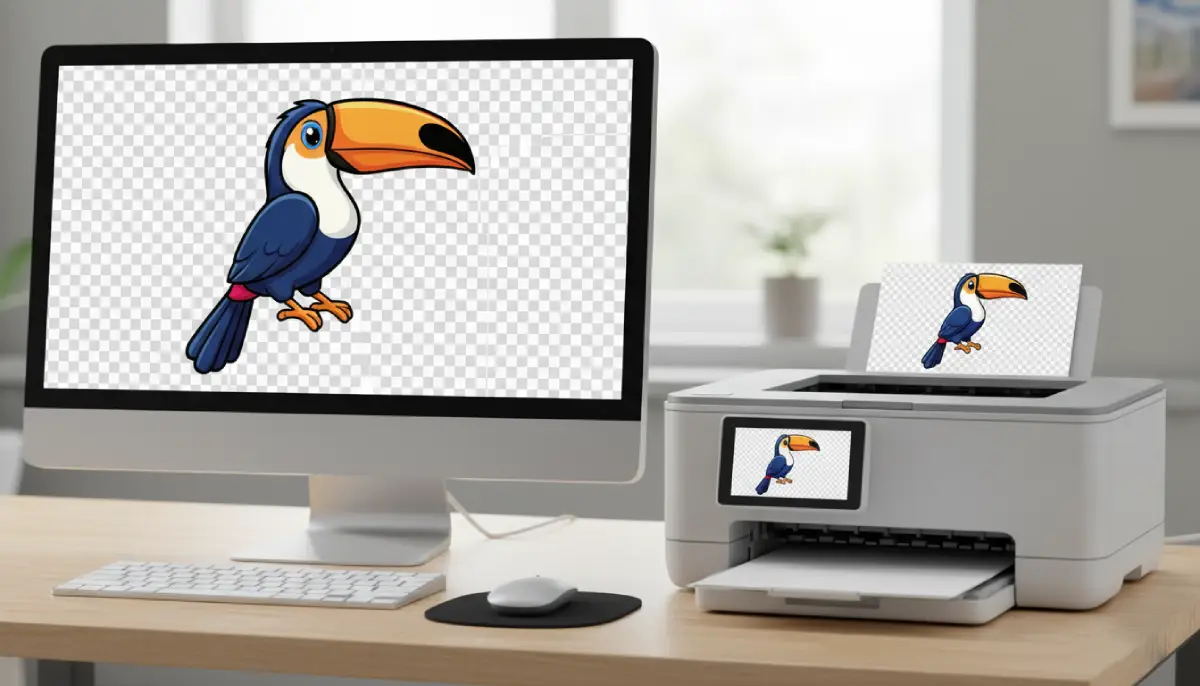
A raster format (pixels) that works well for photos or transparent graphics on home printers but can become blurry if resized. PNG only supports RGB color, which may not match screen colors when printed.
PDF is generally better for printing, especially for documents, flyers, and professional materials, because it preserves exact layout, formatting, text, and vector graphics without losing quality. PNG is ideal only for high-resolution images, illustrations, or graphics requiring transparency.
- Lossless compression
- Good quality but not ideal for CMYK printing
- No print-ready color profiles by default
- Best for: Small prints, digital + light print use
7. JPG — 60%
A compressed image format where quality depends on compression level, potentially reducing detail in print.
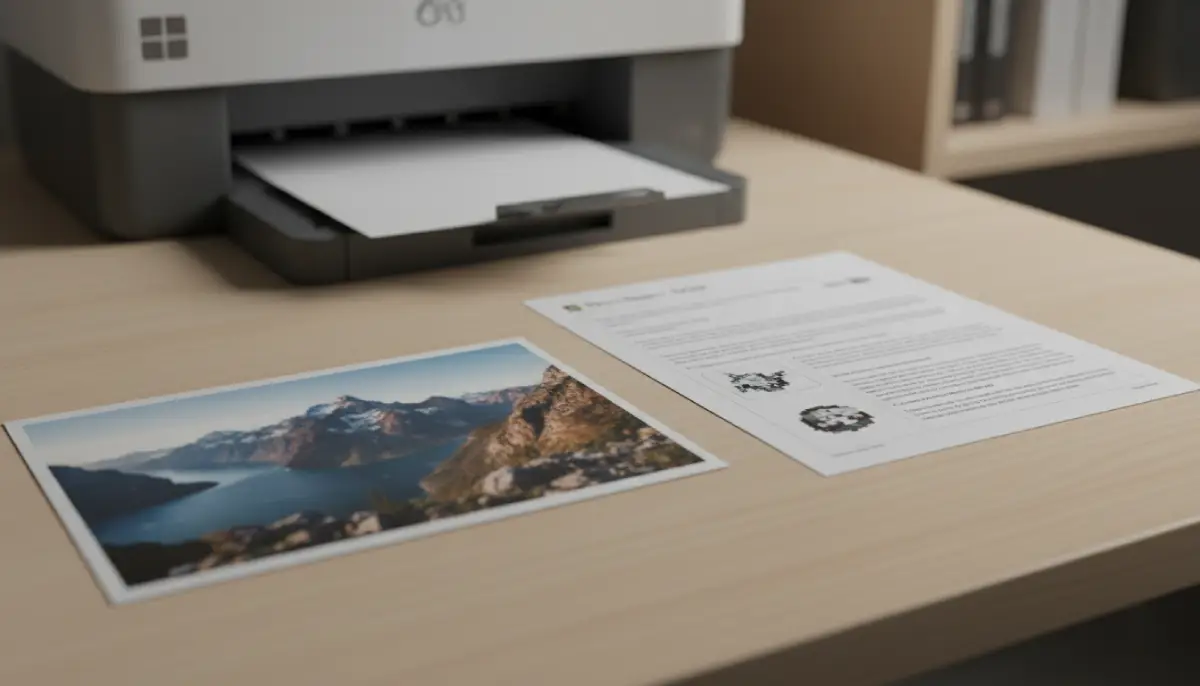
JPEG or PDF for printing? In most cases the PDF is the number one choice. I always save my designs in PDF file at 300 dpi for print.
- Compressed format
- Quality depends on compression level
- Can lose detail in print
- Best for: Basic photo printing if high resolution
8. DOC — 30% (Not Recommended)
- Word document format
- Formatting can shift
- Not designed for professional printing
- Best for: Drafts only (export to PDF before printing)
A word processing document format intended for drafting and editing, not for professional print production.
✅ Final Recommendation
The best file type for printing is a high-resolution PDF (Portable Document Format), as it preserves fonts, images, and layouts across all platforms. For high-quality, professional, or photographic printing, TIFF is preferred, while EPS or AI files are ideal for logos and vector graphics. For the best results, ensure files are in CMYK color mode at 300 DPI.
Among all types of files, the PDF is the number one choice for printing because it can contain:
- ✅ Vector graphics (logos, illustrations, text)
- ✅ Raster images (photos, exported images)
- ✅ Fonts and layout data
A PDF is a container format — it can hold both vector and raster elements in the same file. So for printing that means:
- If your design was created in Adobe Illustrator, the PDF keeps vector elements scalable.
- If it was created in Adobe Photoshop, the PDF mostly contains raster (pixel-based) content.
👉 That’s why PDF is the industry standard — it preserves whatever type of content you export into it.
For professional printing here are my suggestions:
- 👉 Always use PDF (Print-ready, CMYK, 300 DPI).
- 👉 Use TIFF or EPS for specialized image/vector needs.
- 👉 Avoid DOC and low-quality JPG for final print.
Credit: Images made with MockoFun
Study Apps For Students
Spiral Text
No comment(s) for "Best File Formats For Printing"