Disintegration Effect Photoshop Tutorials
If you want to learn how to create a realistic disintegration effect in Photoshop you have to check out these amazing tutorials. They all use the same technique but with small adjustments that make all the difference. So to make a disintegration effect you have to use the Eraser Tool with a custom made brush to remove parts of the object/person, and to use the Clone Stamp Tool afterwards.


Human disintegration effect Photoshop tutorial
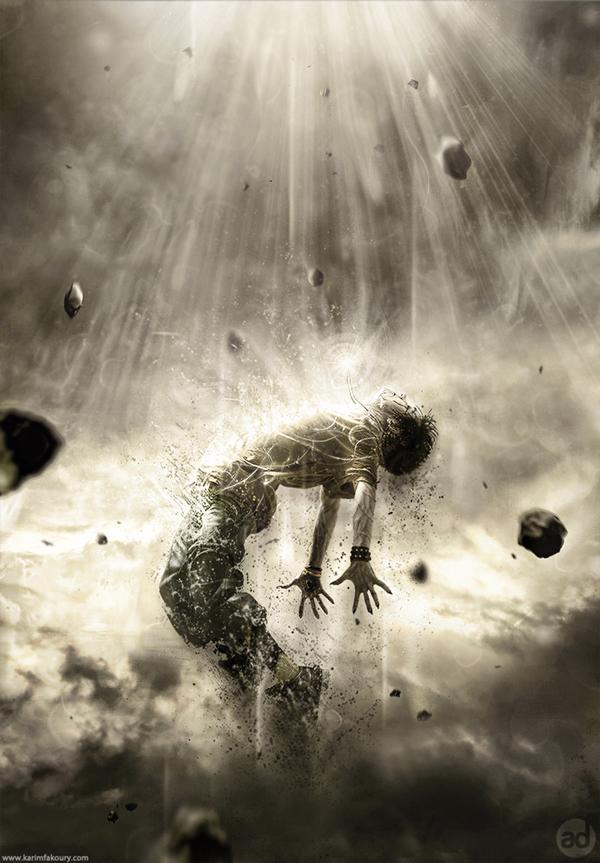
Dispersion Effect

Disintegration action effect Photoshop tutorial

Conceptual disintegration effect in cinema 4d and photoshop
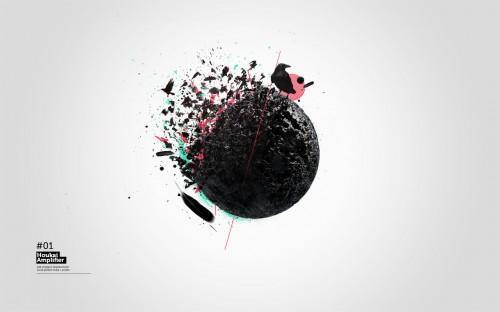
Face Disintegration in Photoshop

Fantastic Disintegration Effect in Photoshop

Eroded Disintegration Fashion Model in Photoshop
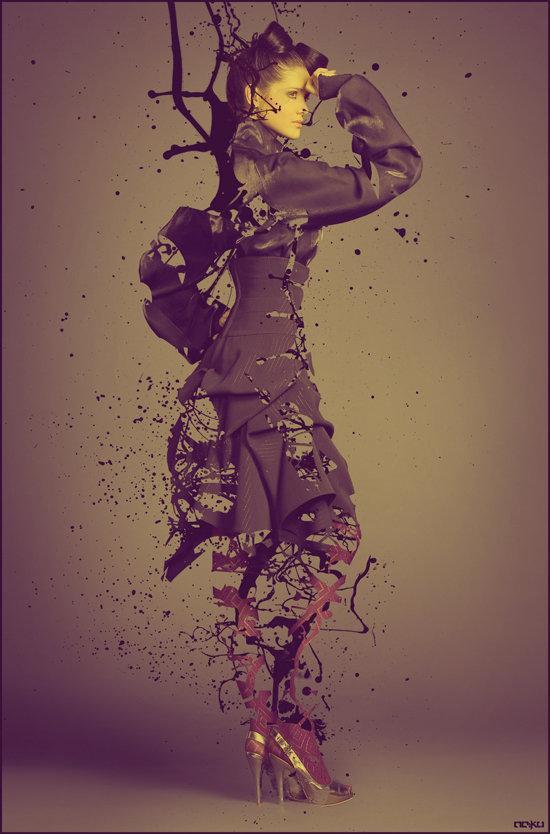
Create antismoking ad concept with disintegration effect in Photoshop

Create a Chaotic Disintegration Face Effect in Photoshop
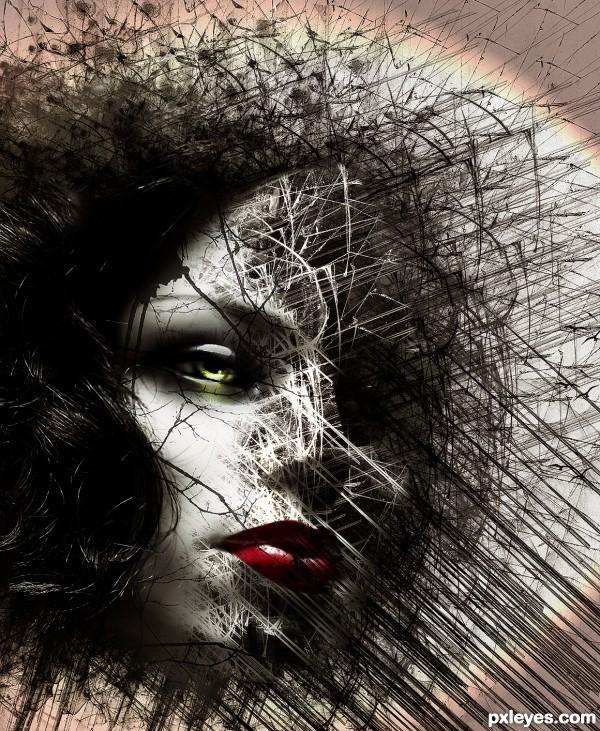
Grunge style artwork with shattered and disintegration effect in photoshop
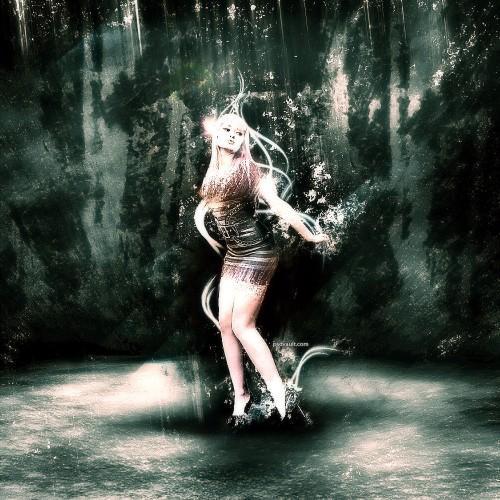
Surreal human face with flame hair and disintegration effect in Photoshop

Realistic break apart and disintegration effect in photoshop

Dispersion and Disintegration Effect Photoshop Action
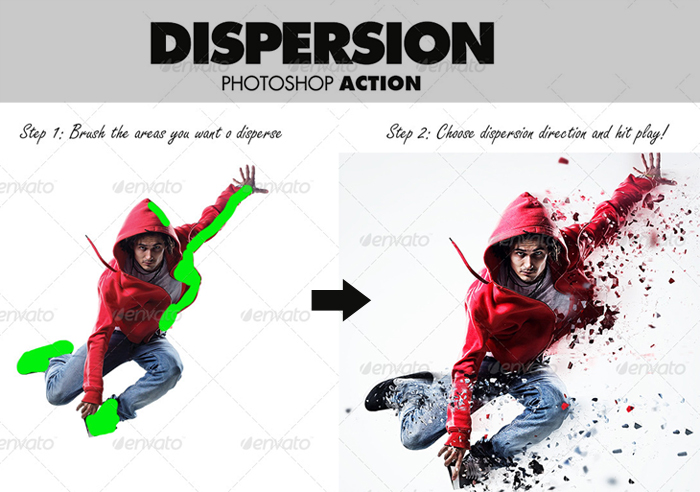
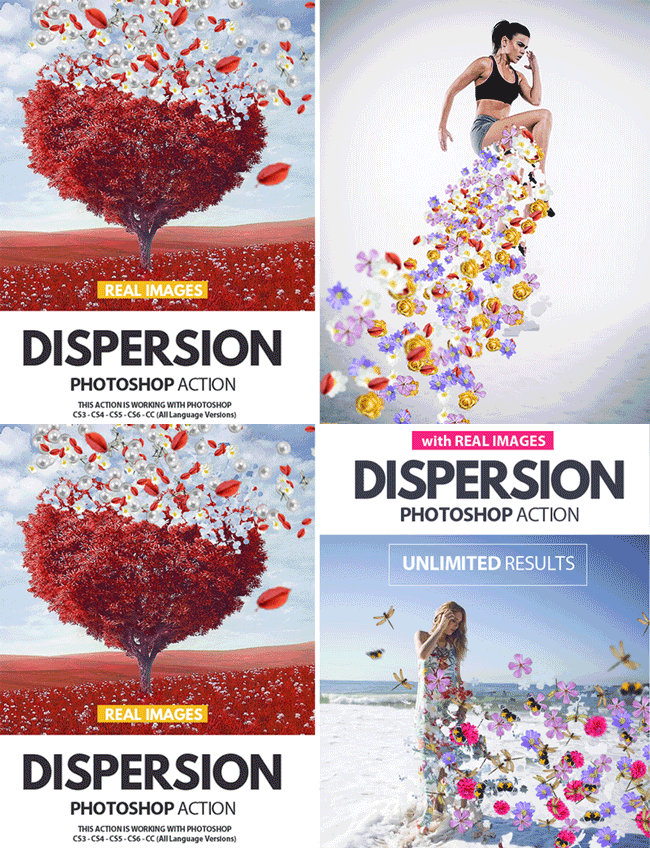
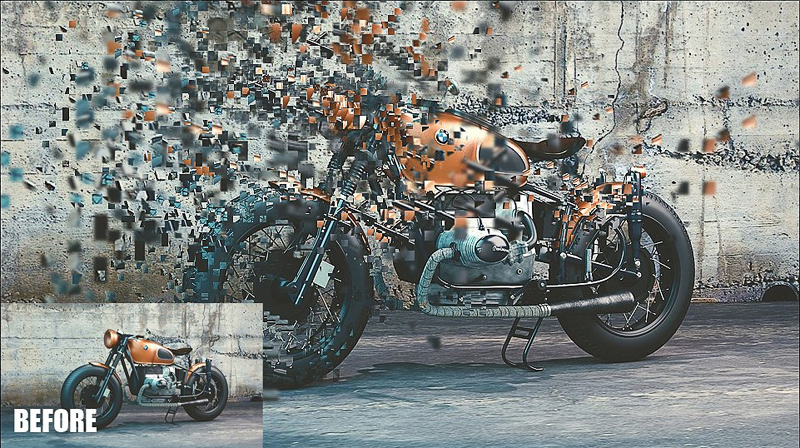
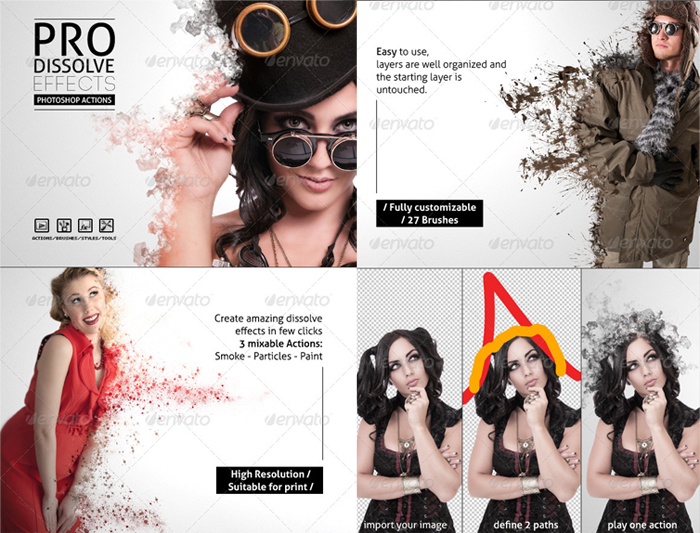
Dissolve Disintegration Particles Effects Photoshop Actions
Elemental Abstract Lights and Particles Photoshop Action

Previous Post
Retro Vintage Typography Photoshop Style Collection
Next Post
Photoshop Sport Event Flyers FIFA World Cup Brazil 2014
3 comment(s) for "Disintegration Effect Photoshop Tutorials"
http://wegraphics.net/blog/tutorials/how-to-create-an-easy-dispersion-effect-in-photoshop/
http://www.adobetutorialz.com/articles/30972299/1/dispersion-effect-with-photoshop-cs6-cc
http://www.digitalcameraworld.com/2014/07/07/photoshop-scatter-effects-tutorialdownload-our-free-brushes/