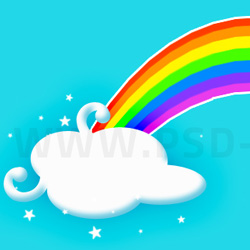

What is a Rainbow?
A rainbow is a meteorological phenomenon that is caused by reflection, refraction and dispersion of light in water droplets resulting in a spectrum of light appearing in the sky. It takes the form of a multicoloured circular arc.
Usually when the sun is shining and it is raining at the same time, you can see a rainbow. The rainbow is a huge arch of colours in the sky. The number of rainbow colors is seven. These seven colors are: red, orange, yellow, green, blue, indigo and violet.
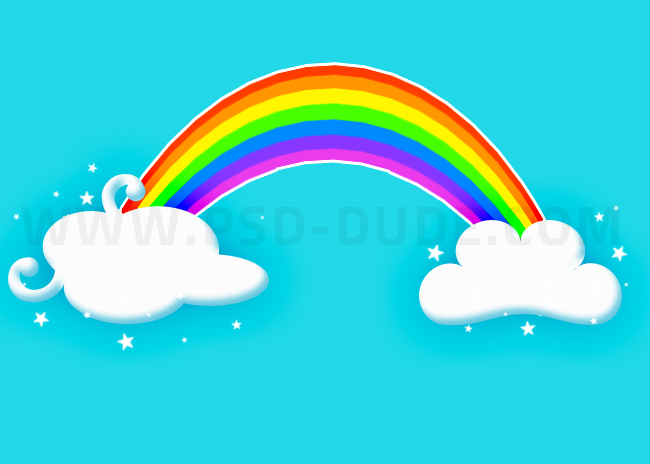
In this tutorial you will learn how to draw a rainbow in just a few steps. You can also download the gradient pattern images for free. And, finally, I will show you how to create a rainbow text really quick and easy.
How to Draw a Rainbow in Photoshop
Create a new PSD file, size 1750x230 px. Create a new layer called Rainbow and fill it with color white.
When making layout designs you can use a grid. Press Control+' to show grid. The Photoshop Grid helps you to align your design elements.
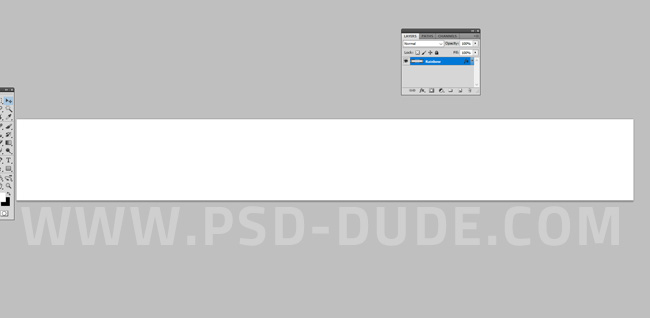
Add a Gradient Overlay to the Rainbow layer.
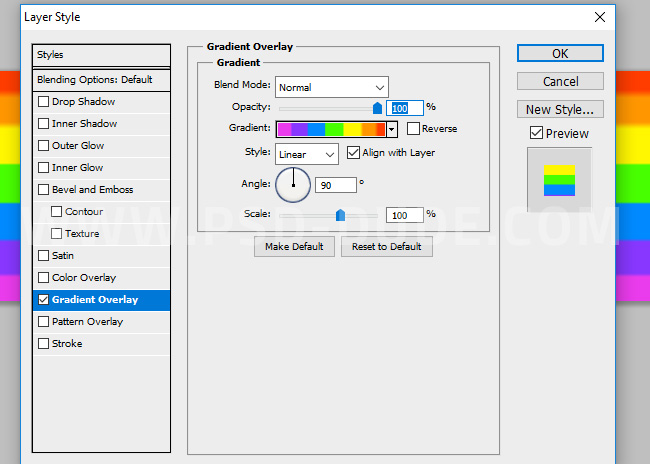
We have to add the seven rainbow colors in equal parts like shown in the preview. The colors are violet(#ea3bec), indigo(#8737ff), blue(#008aff), green(#48ff00), yellow(#fff600), orange(#ff9600) and red(#ff3c00).
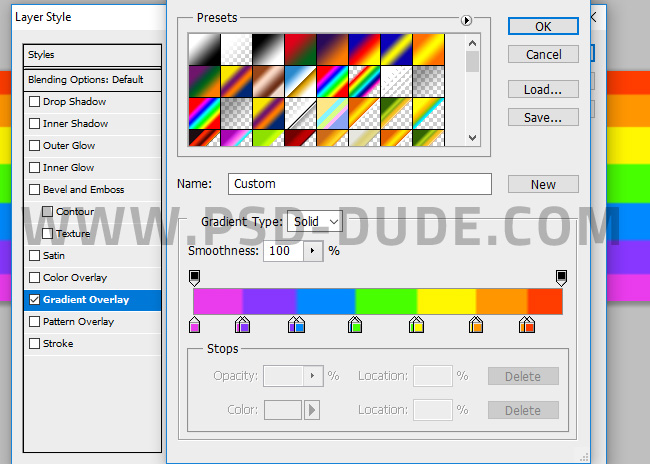
Right click on the Rainbow layer and choose Conver to Smart Object.
We will create a new PSD document called "Cartoon Rainbow". Create the Background Sky layer and fill it with color #22d8e8 .

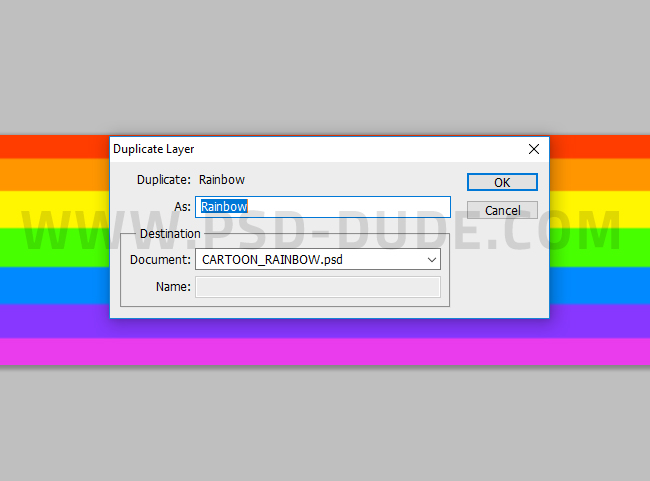
Duplicate the Rainbow layer in this new PSD file.
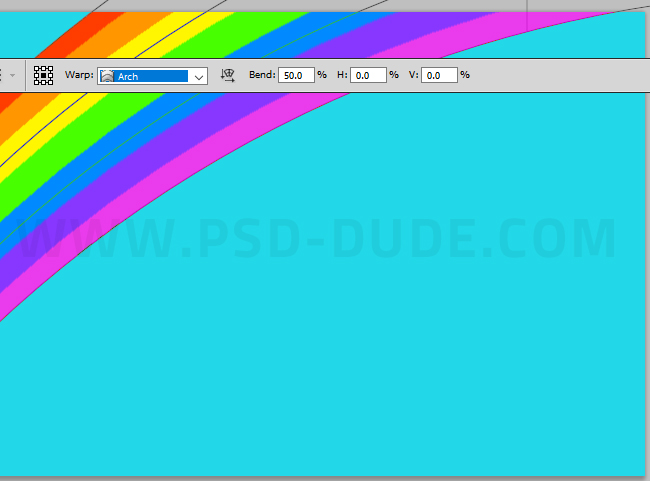
Go to Edit > Transform > Warp and choose Arch with Bend 50.
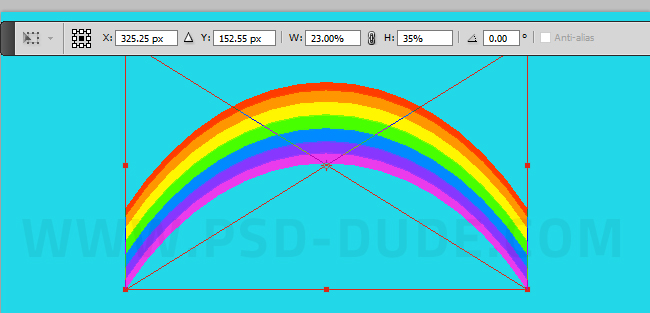
Press Control-T to Scale the object to Horizontal scale: 23% and Vertical Scale: 35%.
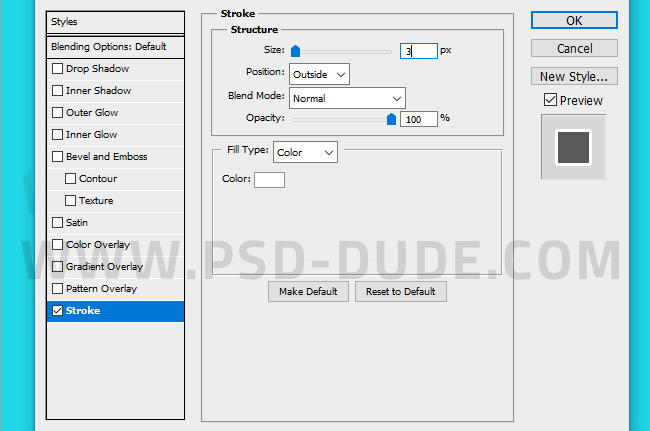
Add a Stroke layer style to the Rainbow layer.
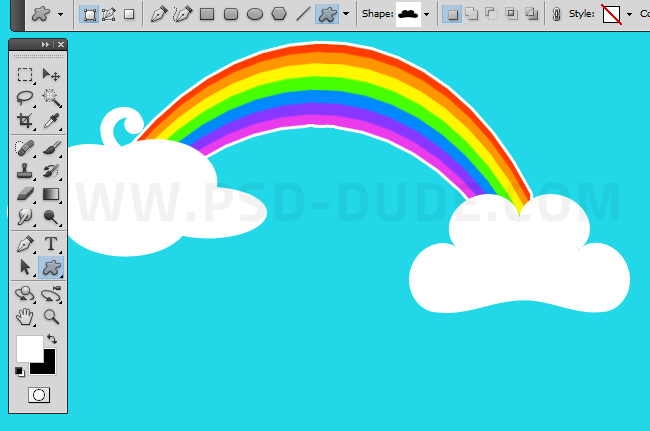
If you want to make the cartoon rainbow background look more cute you can add these cartoon cloud shapes to your image. Add the cloud shapes in a new layer using the Custom Shape Tool.
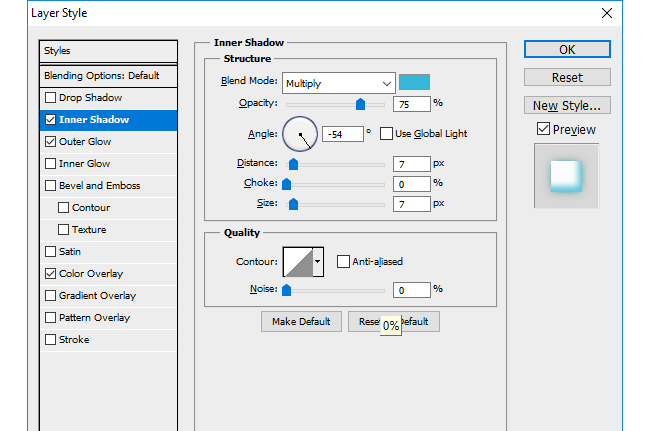
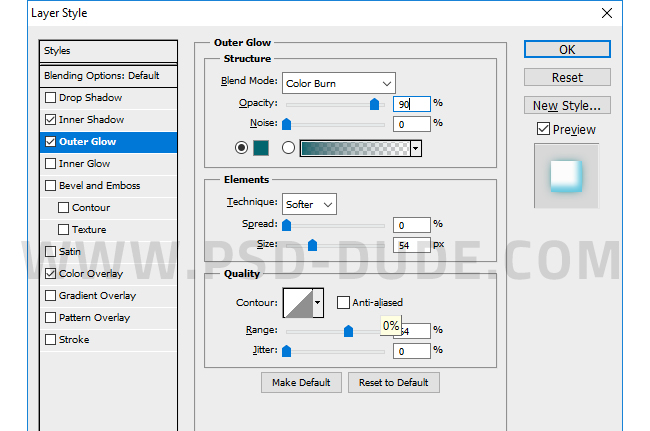
Use color white for the clouds and add this layer style: Inner Shadow color #37b8d8 and Outer Glow color #03656e.
You can add other shapes like star shapes for example or hear shapes to make it look like a cartoon.
You can also create a cartoon rainbow like this using seven circle shapes filled with the rainbow colors.
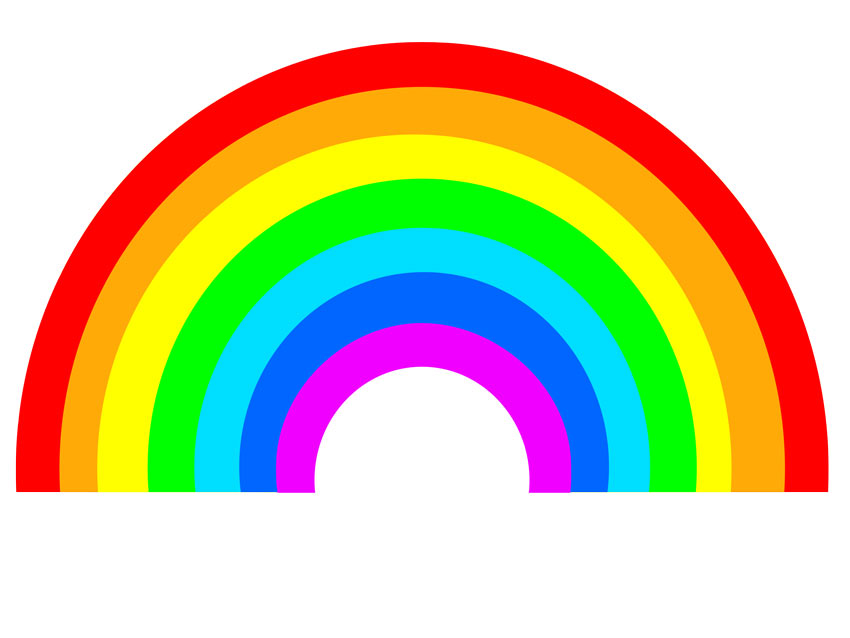
You can download the high quality rainbow background for free here.
Rainbow Pattern
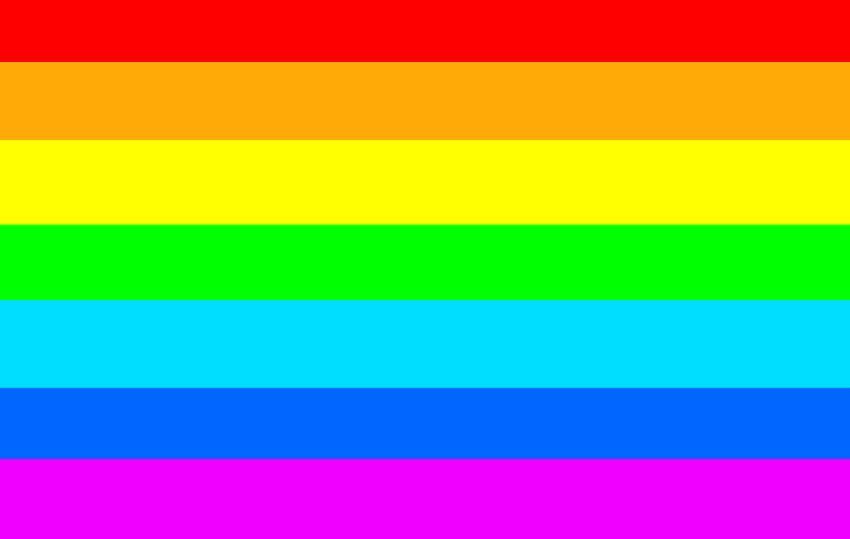
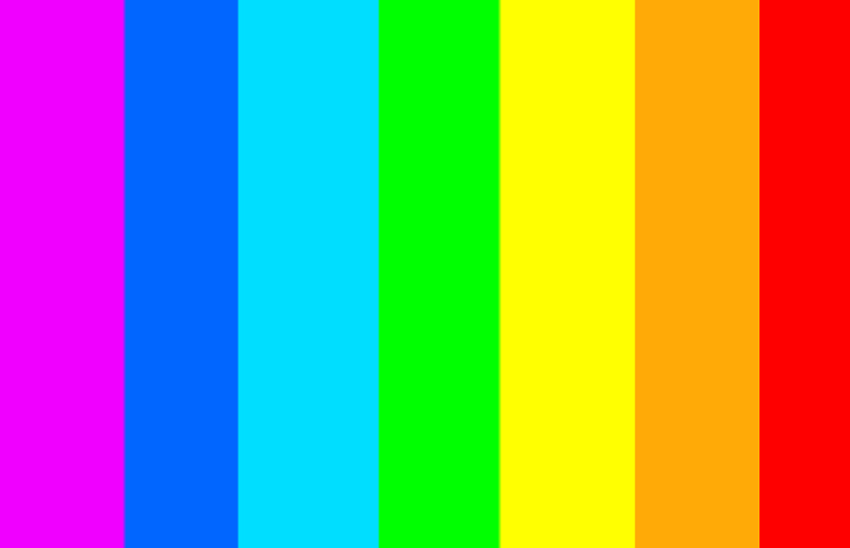
If you are looking for a rainbow pattern you can use the images below. This is a seamless texture so you can use it as website background and also as Photoshop pattern.
Open the rainbow pattern in Photoshop. Go to Edit > Define Pattern to save the rainbow pattern in your list of patterns. Now you can create a rainbow background using the rainbow patterns.
Rainbow Text
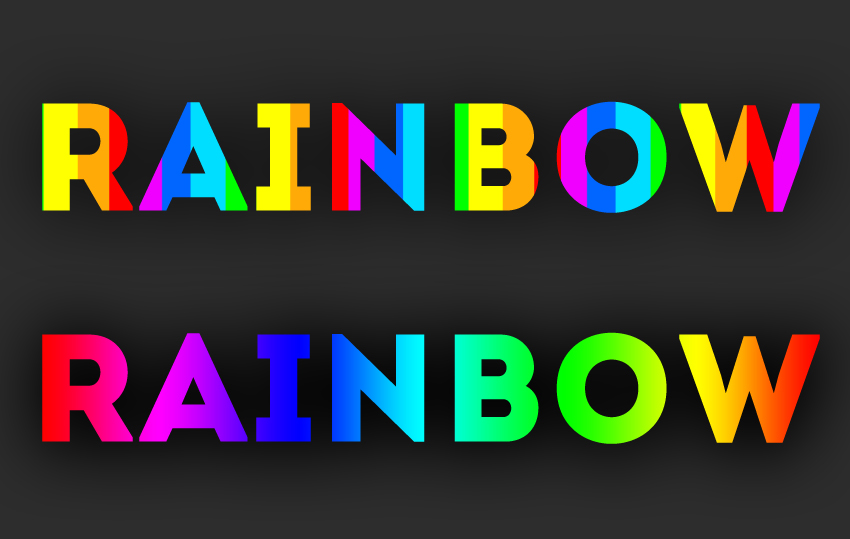
To create an awesome rainbow text you can use the rainbow pattern or the rainbow gradient. Add a layer style to the text layer. Use Pattern Overlay or Gradient Overlay.
5 comment(s) for "Creating A Cartoon Rainbow"