Sticker Photoshop Action
Download this cool sticker generator for free and start creating your on customized stickers. After the action is played, all the layer styles remain intact so you can adjust little details like the shadow for example.
The sticker action can be use for creating original stikers in Photoshop using text and shapes. It even adds a bending effect that can be adjusted or removed. I really hope you will like this new action and that you will share it with your friends.


How to Make a Sticker in Photoshop
Learn how to create a sticker in Photoshop using your photos. I will also show you that you can create awesome AI stickers with tools like Midjourney, Dall-e, SDXL, Leonardo, etc.
Learn How to Sell Stickers on Etsy from this quick tutorial. You can make stickers with Illustrator, Photoshop or with AI tools.
You can download this great sticker action for free from the actions4photoshop website, an directory with lots of free Photoshop actions, hand picked and approved by their team.
The sticker action is prety easy to use. Simply create the design and play the action, it is that simple. You can use this action for text, vector shapes or rasterized layers. If you are using a combination of these three, you really have to merge all the layers before you play the action(select the layers and press CTRL+E).
Sticker Action for Photoshop
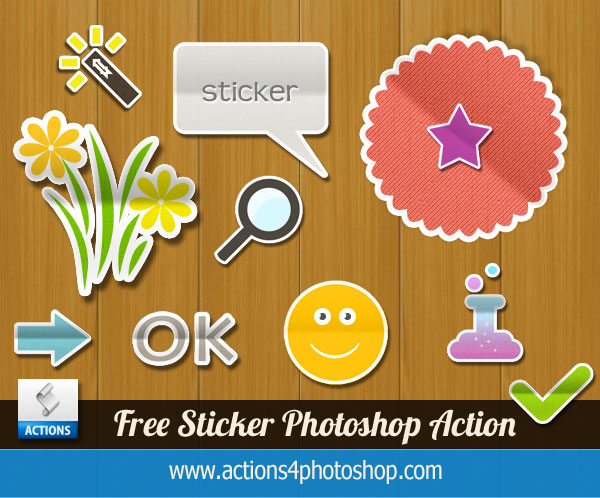
This is an ATN file made with Photoshop CS4 so if you have this PS version or a higher versions, this sticker action will probably work just fine. The ATN file is free for personal non-commercial use only. The redistribution/selling of this file on other websites is not allowed.
FREE DOWNLOAD HERE
If you want to create more a detailed sticker style with different effects you can check out the links below.
You Might Also Like
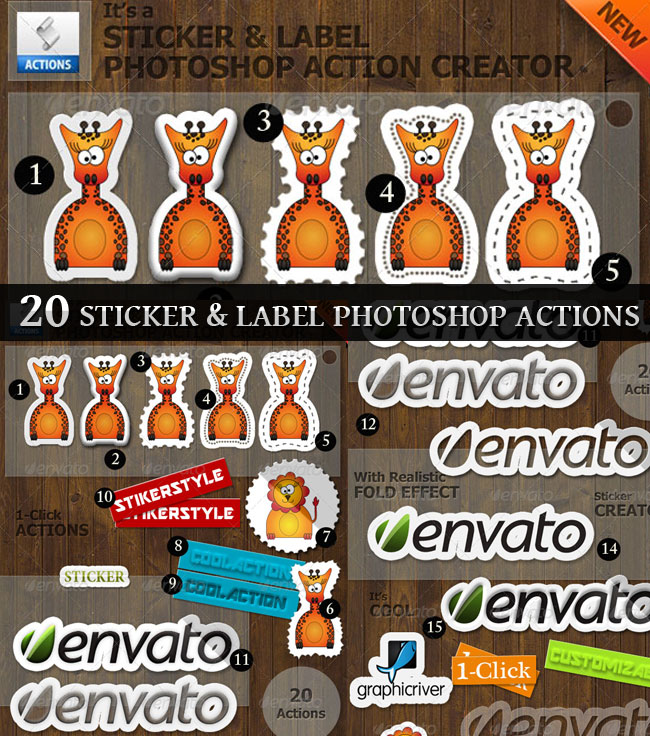
This Sticker and Label Creator action pack will allow you to create lots of sticker and label effects out of any text, vector shape/graphic or raster image cutout by using the Photoshop actions included in this pack
Sticker and Label Photoshop Maker
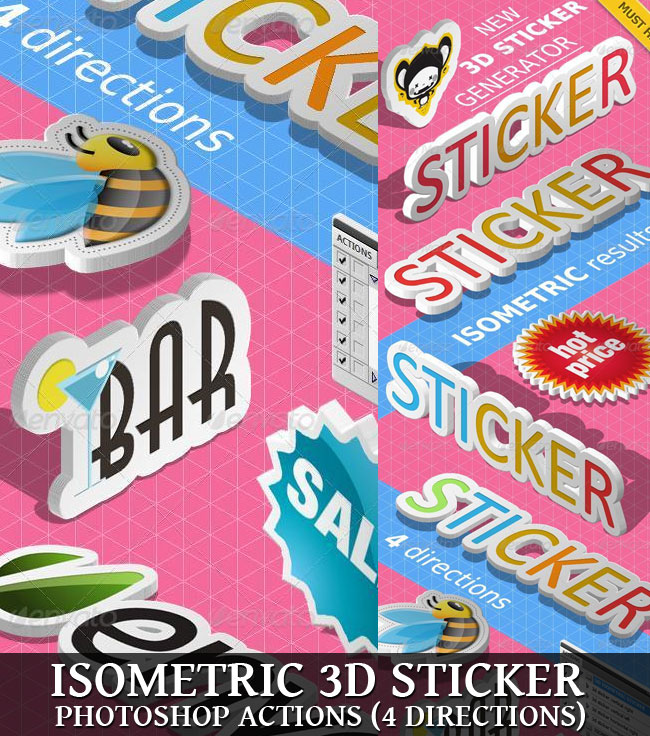
The 3D Isometric Sticker Photoshop Action pack will allow you to create 3D isometric sticker effects out of any text, vector shape/graphic, smart object or raster image cutout. It works best for text, shapes and graphics.
3D Isometric Sticker Creator
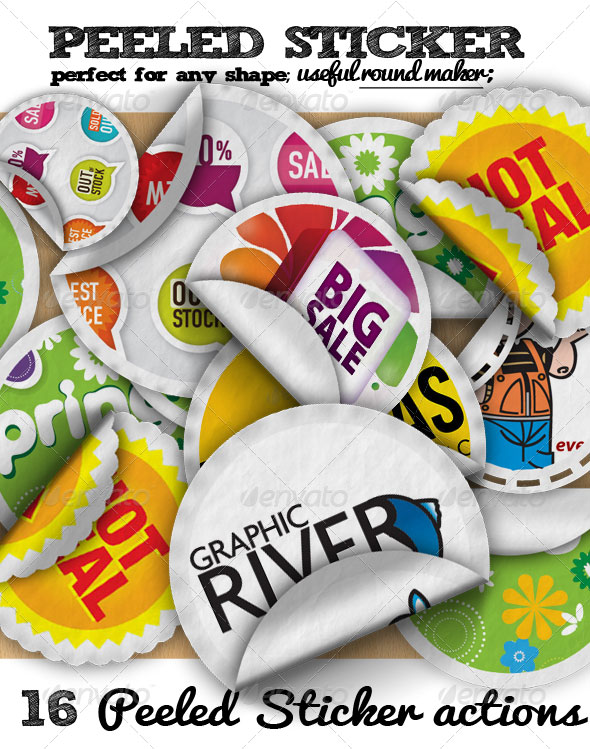
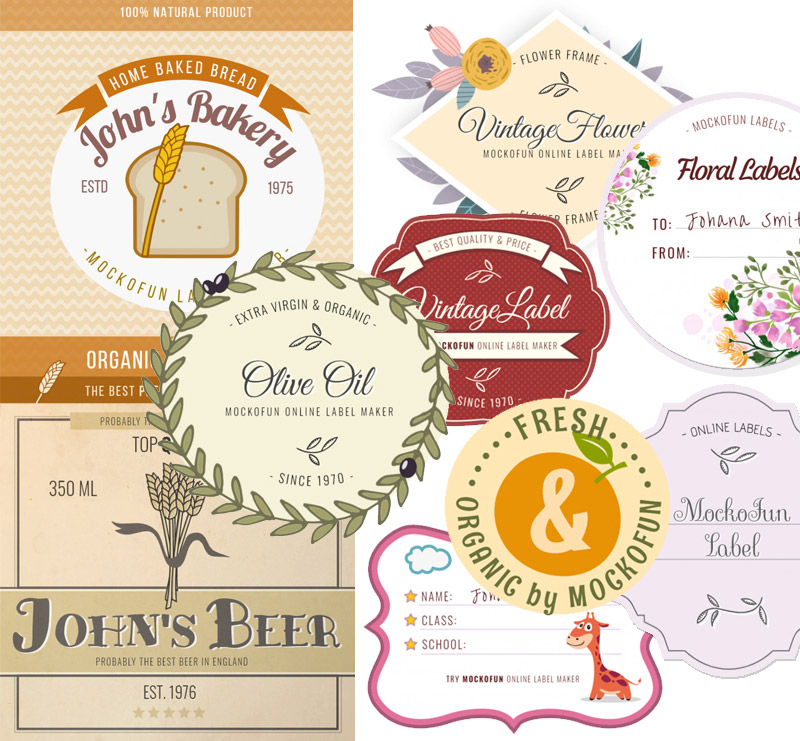
Create badges, labels and stickers with these pre-made templates. You can choose the labels PSD files. And, if you don't have Photoshop, you can use the online labels and badges from MockoFun online graphic design software tool.
Editable Online Labes
If you need a sticker PNG image, check out this freebie pack from PhotoshopSupply. You get over 20 free PNG stickers.
Free Emoticon Shapes
Medieval Text Photoshop Tutorials
No comment(s) for "Sticker Photoshop Action"