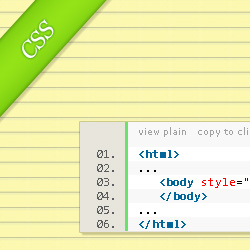

The lined paper background
In this post I will show you how apply a CSS paper texture to the background of your website.
To add the lined paper background to a web page through CSS code you will first have to have an image which you can then use as a seamleass texture.
How to make lined paper in Photoshop?
In one of my older posts Notebook Photoshop Pattern I've made available for you some 30 different notebook paper Photoshop patterns. Download the archive and you will find inside 30 .PAT files which you have to import into your Photoshop. The easiest way to import a Photshop pattern is to just drag and drop the .PAT file in your Photoshop.
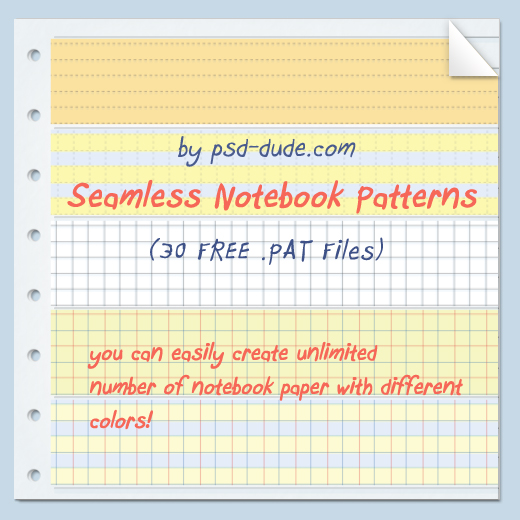
The notebook lined paper seamless texture in the archive are all 60x60 pixels which
means that the texture tile image that you will place on the
page background will also have to be 60x60 pixels.
So, create a new file in Photoshop
with size 60x60, fill the layer with a color (it does not matter
which color) and then go to the layer styles by double clicking on the layer.
Go
to Pattern Overlay and choose from the patterns one of the newly
imported patterns.
Save the result as a .JPEG or .GIF and upload it somewhere
on your site.
As an example I chose a single lined yellow paper pattern and the resulting image
should look like this:

If you want to make your own lined paper backgrounds in Photoshop you have to ask 2 questions (see the links for answers):
CSS code for background texture
Now that you have the texture tile image you can add it through CSS. If you are
new to CSS, don't be afraid, CSS is really easy. For a quick
insight on CSS please go to What is CSS and How to Use Style Sheets for Web Design.
The quickest way to add the background texture to your web page with CSS is to use
inline CSS. So, edit your HTML page and add a style attribute to the
body tag like this
    <html>
    ...
       <body style="background-image:url('path_to_your_image/background-image.jpg;'">
       </body>
    ...
    </html>
and here it is: with this simple CSS style your web page just got a notebook paper background texture.
Some adjustments
You can adjust the result you get by modifying the size of the .JPG or .GIF paper texture image and the patter will still be seamless. Most of the websites that use seamless pattern for their backgrounds use a small size pattern. This has the advantage that the page loads faster and also it looks better.
Demo
To see some live examples for this CSS lined paper background tutorial I've made the following images. By rolling over them you will be able to see how the PSD Dude website would look with the lined notebook paper background.


Check out this list of free notebook textures if you want to add something like this to your own website.
In Conclusion
Lined paper backgrounds are great for theming your website as a diary or even school related blog. You can create a really awesome looking site with something like that. As a final touch you might want to add some extra graphic design elements that add your personal touch.
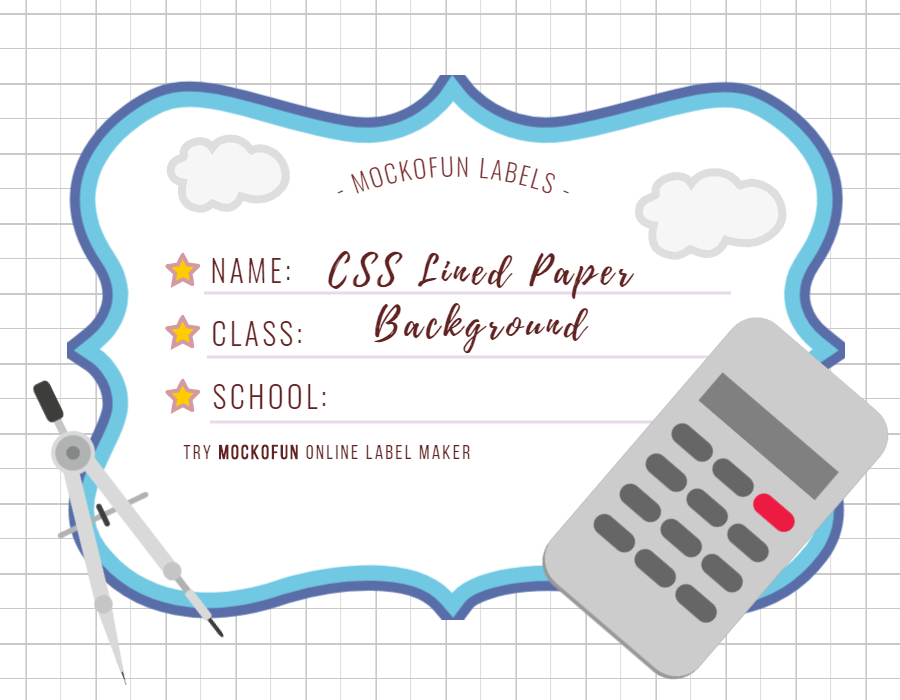
For example, you can add as a header for the website a notebook label like this one from the MockoFun online label maker and use and online template like this:
1 comment(s) for "CSS Lined Paper Background"