Photoshop Stamps Letters and Envelope Brushes
I was always fascinated about old and antique things. So I had this idea of making my own set of brushes with lots of old stamps, letters and envelopes. This is an abr file with over 40 beautiful Photoshop Brushes.
I know that there are other similar resources out there on the internet but I really hope that you will like mine also!
Enjoy!


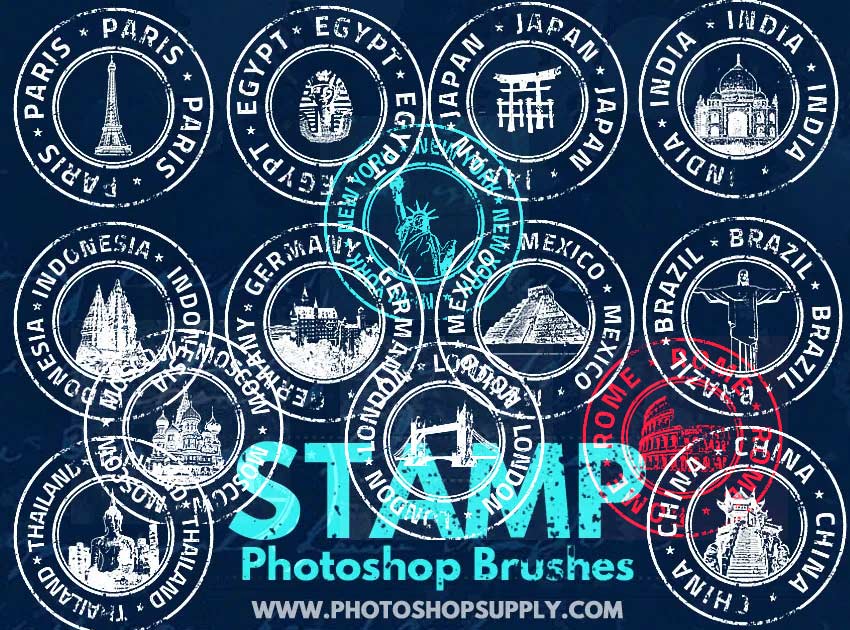
Download for free this set of 40 stamps Photoshop brushes and use it to create letters or envelopes in an old vintage style. You can use these rubber stamp and postage stamps brushes in all kind of personal projects.
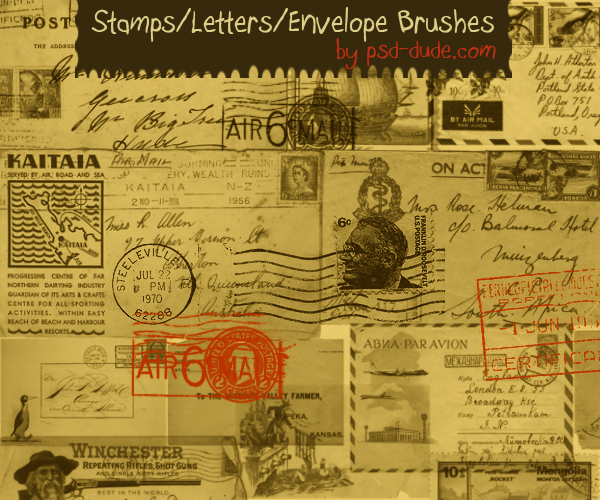
Photoshop is just one of the many options to create rubber stamp effect online free.
License
Free for personal use, no attribution necessary but highly appreciated. Redistribution of this file on other websites is not allowed.
FREE DOWNLOAD
DOWNLOAD!(7.31 MB)Stamp Photoshop Brushes
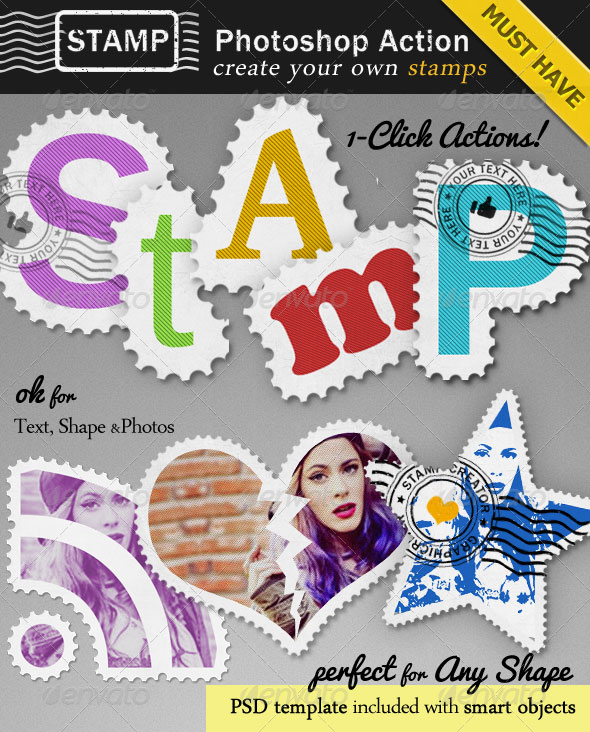
Create Stamp Photoshop Action
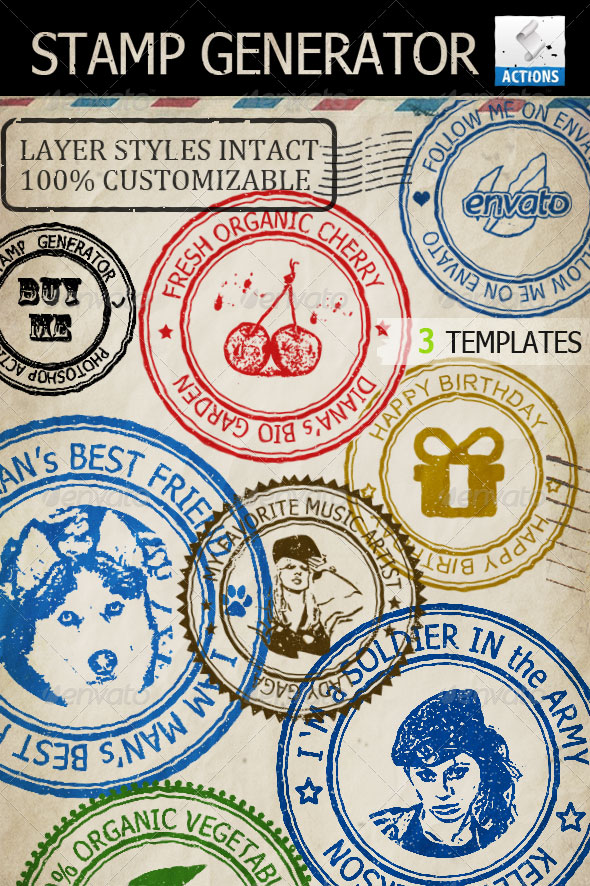
Create Rubber Stamp Photoshop Action
Photoshop Pattern Set for Christmas Time
Beautiful Christmas Cards Digitally Painted
25 comment(s) for "Photoshop Stamps Letters and Envelope Brushes"
I am so sad !
reply
The brushes are great. I can see that I will use them
for art. reply
I almost decided not to make any more brushes because of this incident! reply
I am glad you like my brushes ! reply
1. Download the ZIP file and upload the ABR file in Photoshop (drag and drop or simply double click on the ABR file).
2. Pick the Brush Tool and in the list of brushes you should find the Stamp Brushes that you have just instaled.
3. Make a new layer, fill it with white. Pick one of the stamp brushes, set the Foreground color black and simply click on the canvas.
Good luck :) reply
Thank You reply
The answer to your question is "Yes", as far as I know most of the Photoshop brushes work in Elements but I didn't test them so maybe you give them a try. You can load these brushes in Elements the same way you do in Photoshop (see the comment above) reply