Fold Paper Photoshop Action
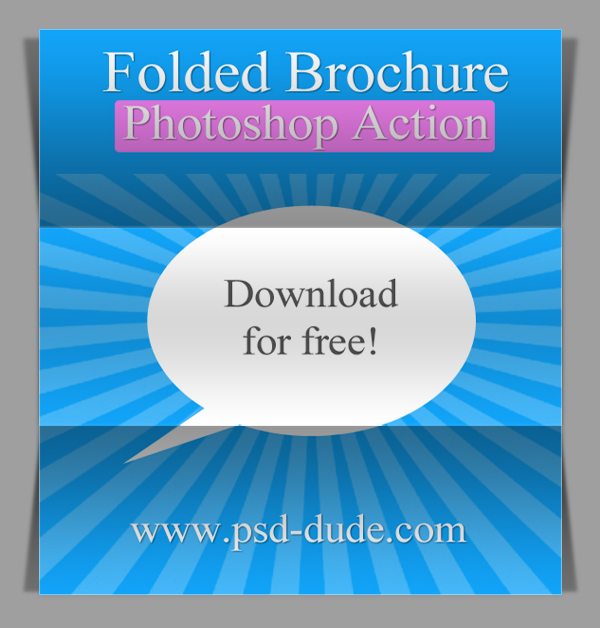
Make your own tri fold brochure with just 1 click using our fold paper action. As you can see in the preview image, this Photoshop action transforms your design into a brochure divided in three horizontal areas. It looks pretty realistic due to the gradients and shadows added.
The fold action can be downloaded for free and tested by all our registered users. We really apreciated any feedback, bad or good, to constantly improve the quality of our work.


To use this fold brochure action all you have to do is to download the ATN file. Drag and drop the action in Photoshop or double click on the file to load it. The action works well with all the JPG images. After the action is played, all the layer styles remain intact so you can easily adjust the gradients and the shadow opacity.
We are really pleased to share this new Photoshop action with all of you. And we hope you will find it very useful.
Fold Photoshop Action
Trifold Brochure License
This ATN file is free for personal, non-commercial use only. You are not authorized to redistribute, resell without our written agreement. Do not claim this file as your own. Because many of our resources are free for download, we ask that you give us proper credit with a link back to our blog.
About the Author of this Trifold Photoshop Mockup Brochure
 Daniel is a young freelance Graphic designer, very pasionate about so many design related areas. He just
launched his second website Actions4Photoshop,
that is actually a new website aiming to become the biggest collection of
Photoshp actions around the internet.
Daniel is a young freelance Graphic designer, very pasionate about so many design related areas. He just
launched his second website Actions4Photoshop,
that is actually a new website aiming to become the biggest collection of
Photoshp actions around the internet.
Sparkle Brushes
Ribbon Vector Shapes for Photoshop
15 comment(s) for "Fold Paper Photoshop Action"
esta vacio! reply
Thank for this nice action!
Fantastic reply
I have tried to create an account to download the "fold paper photoshop" action with two different accounts. I'm able to set up the accounts but can never log-in...the prompt says there is no account or the password is wrong. When I ask that the password be sent to my email it says it doesn't exist. When I try to set up the account again...it says that the email already exists in the system and I can't use it. So confusing! Please help. Debbie
reply
Su reply